


ChatGPT
ChatGPT is an AI assistant for writing, learning, research, problem solving, and creative tasks. Learn practical skills with AI Academy and discover useful workflows in our AI Library.
EXPLORE AI LIBRARYGrok AI is an assistant for conversations, research, reasoning, and creative tasks. Learn practical skills with AI Academy and discover useful workflows in our AI Library.

Explore all lessons in this catalogue and start learning at your own pace.
▶
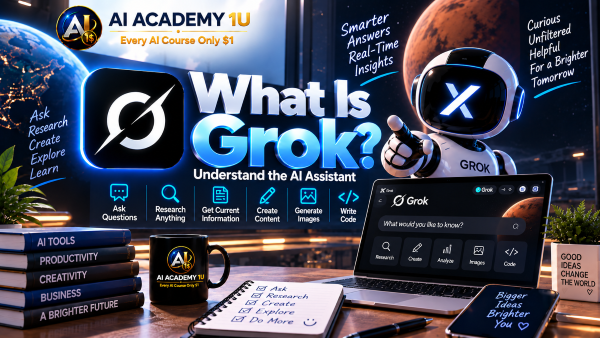
1. What Is Grok? ❌
Discover what Grok is, how it works as an AI assistant, and the major types of tasks it can support. AI Academy 1U introduces Grok’s practical strengths in question answering, research, current information, X content, writing, image generation, and coding so learners understand where the platform fits into real-world AI workflows.
▶
2. Create and Access Your Grok Account ❌
Learn how to access Grok, sign in, and prepare the basic account environment for everyday use. AI Academy 1U guides beginners through the essential setup so they can reach the correct workspace and begin using Grok without confusion.
▶
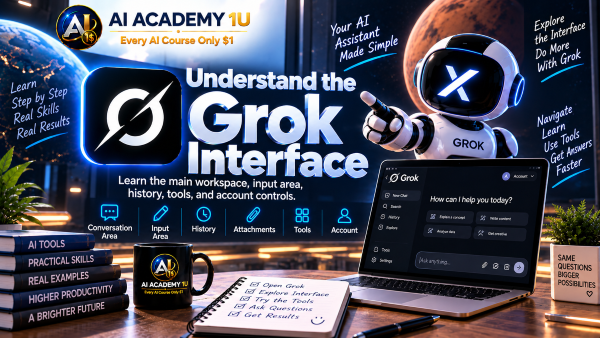
3. Understand the Grok Interface ❌
Explore the prompt area, conversations, history, attachments, and other important parts of the Grok interface. AI Academy 1U helps learners understand where essential tools are located and how those areas work together during a typical Grok session.
▶
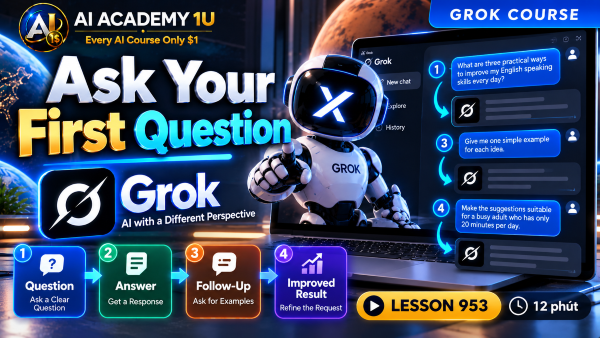
4. Ask Your First Question ❌
Learn how to ask Grok an initial question, evaluate the response, continue with follow-up questions, and refine your request. AI Academy 1U introduces the practical Question → Answer → Follow-Up → Improved Result workflow for developing better results through conversation.
🔒
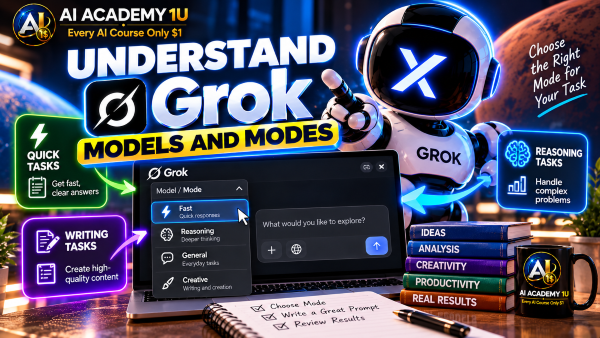
5. Understand Grok Models and Modes ❌
Understand how the models and modes available in Grok can differ in speed, reasoning, and suitability for different tasks. AI Academy 1U shows learners how to consider the requirements of the job before selecting how they want Grok to work instead of automatically using the same option every time.
🔒
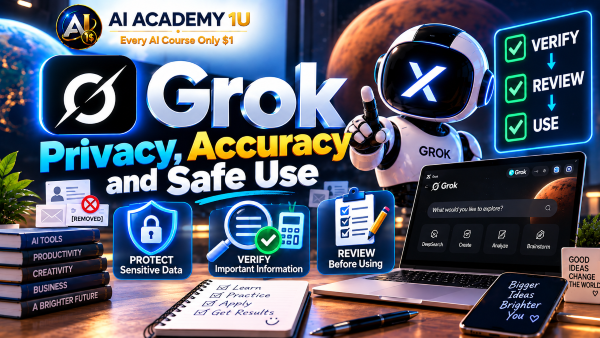
6. Grok Privacy, Accuracy and Safe Use ❌
Understand why Grok can produce inaccurate information and why sensitive data requires careful handling. AI Academy 1U develops a Verify → Review → Use habit so learners evaluate important responses before relying on them and make responsible decisions about information shared with AI.
▶
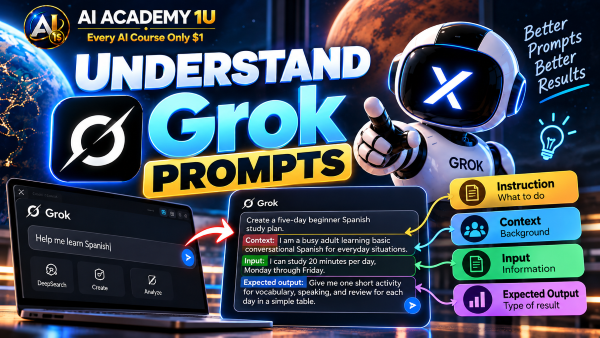
7. Understand Grok Prompts ❌
Understand how instructions, context, input, and expected output work together inside a Grok prompt. AI Academy 1U explains why clearly communicating the task and desired result makes Grok easier to guide and reduces ambiguity in generated responses.
🔒
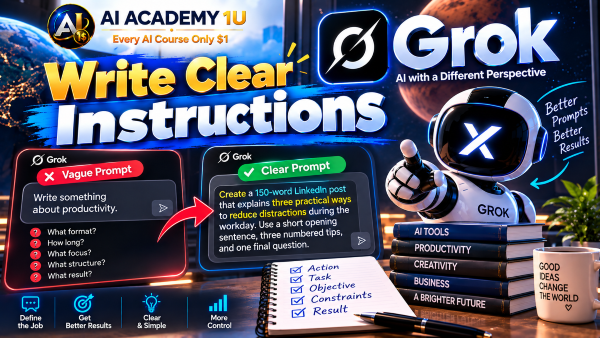
8. Write Clear Instructions ❌
Transform a vague request into a clearly defined task with a specific objective and expected result. AI Academy 1U demonstrates how precise instructions help Grok understand what action to perform and reduce responses that are too broad or unrelated to the actual goal.
🔒
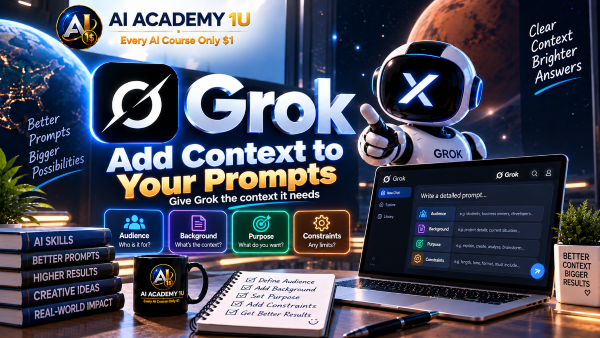
9. Add Context to Your Prompts ❌
Provide relevant background, audience information, purpose, and constraints so Grok can interpret a task correctly. AI Academy 1U shows how to supply enough useful context to improve relevance without overwhelming the prompt with unnecessary information.
🔒
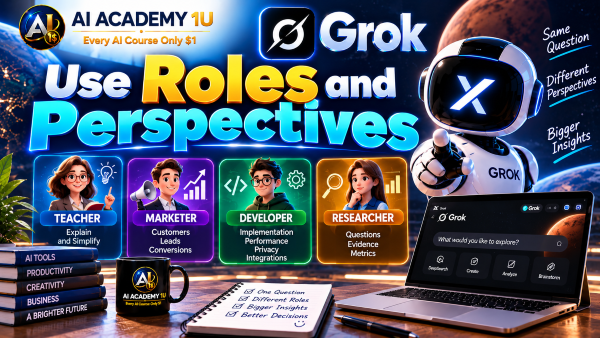
10. Use Roles and Perspectives ❌
Ask Grok to examine a task from an appropriate perspective such as a teacher, marketer, developer, or researcher. AI Academy 1U explains how roles can guide reasoning, vocabulary, and emphasis while reminding learners that assigning a role does not prove real professional expertise.
🔒
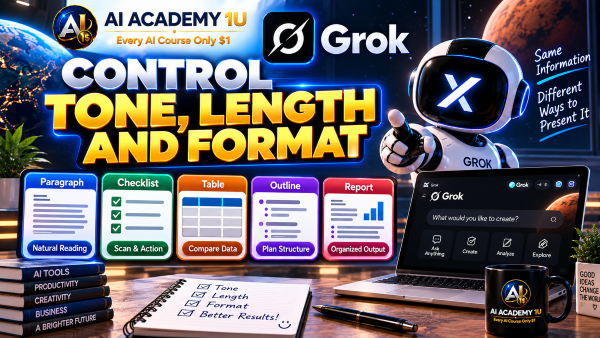
11. Control Tone, Length and Format ❌
Control how Grok presents information by defining tone, response length, and output structure. AI Academy 1U demonstrates how the same information can be organized as a table, checklist, outline, report, or paragraph according to the practical needs of the task.
🔒
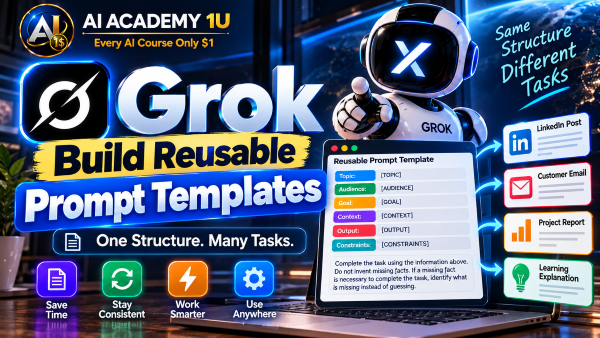
12. Build Reusable Grok Prompt Templates ❌
Create reusable prompt templates using variables such as Topic → Audience → Goal → Context → Output → Constraints. AI Academy 1U shows how structured templates can reduce repetitive prompting and create greater consistency across recurring work.
▶
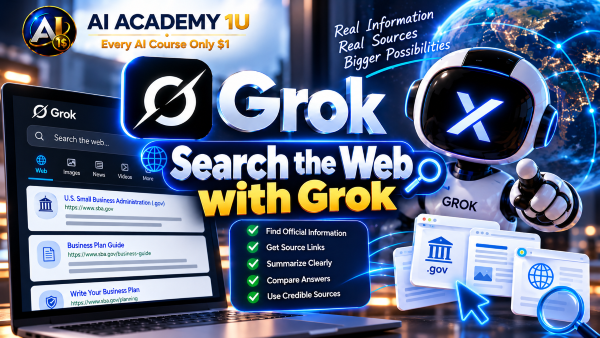
13. Search the Web with Grok ❌
Learn how to use Grok to search for information on the web rather than relying only on model knowledge. AI Academy 1U teaches learners to distinguish a synthesized AI response from information supported by external sources and to recognize when source review is necessary.
▶
14. Search for Recent Information ❌
Research events, products, technologies, and other subjects that have changed recently. AI Academy 1U emphasizes publication dates and event dates so learners can determine whether information is actually current enough for the question being investigated.
🔒
15. Ask Better Real-Time Questions ❌
Improve real-time research questions by specifying time range, location, entity, and scope. AI Academy 1U demonstrates how these details can narrow a broad search and make current-information research more relevant to the exact situation.
🔒
16. Open and Review Sources ❌
Move beyond Grok’s summary and inspect the original sources supporting important claims. AI Academy 1U shows learners how to identify which source content actually supports a statement instead of assuming that the presence of a source automatically validates the entire response.
🔒
17. Compare Multiple Sources ❌
Compare dates, numbers, claims, evidence, and conclusions across multiple sources before reaching a conclusion. AI Academy 1U develops a cross-checking process that helps reveal disagreements, missing context, and information that requires further investigation.
🔒
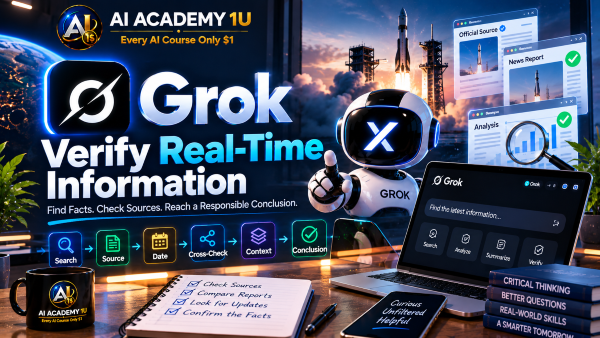
18. Verify Real-Time Information ❌
Apply a structured Search → Source → Date → Cross-Check → Context → Conclusion workflow to fast-changing information. AI Academy 1U shows how to handle developing topics carefully when evidence is incomplete or reliable confirmation is still limited.
▶
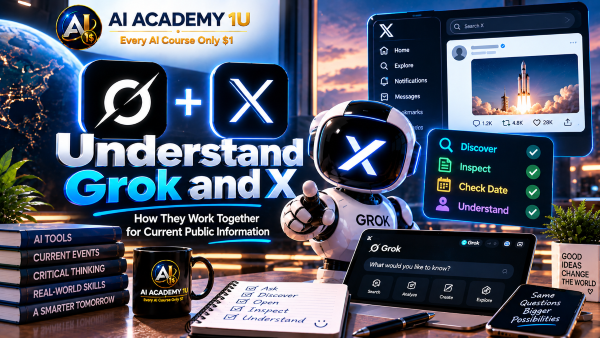
19. Understand Grok and X ❌
Understand how information from X can provide useful context about discussions, reactions, and emerging topics. AI Academy 1U introduces X as one research signal among many and explains why social posts should not automatically be treated as verified facts or representative public opinion.
🔒
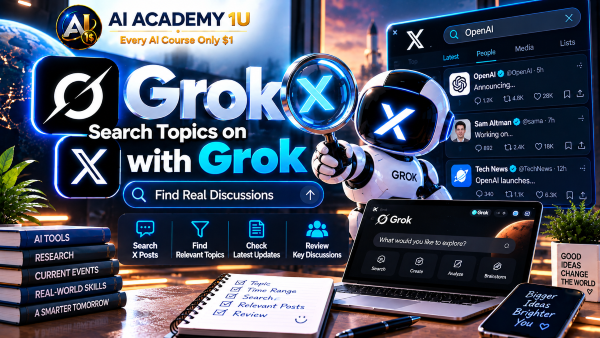
20. Search Topics on X with Grok ❌
Use Grok to investigate discussions around a topic, company, product, or event on X. AI Academy 1U demonstrates how focused searches can help identify relevant conversations before deeper analysis begins.
🔒
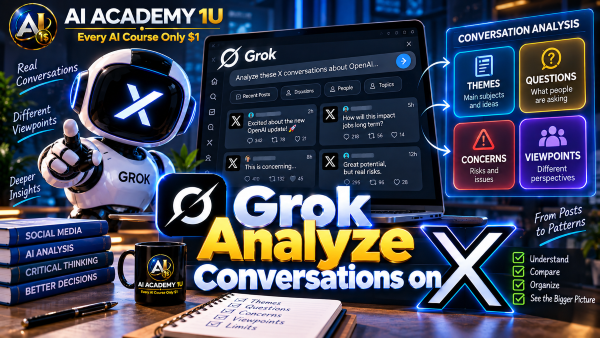
21. Analyze Conversations on X ❌
Organize social discussions into recurring themes, questions, concerns, and viewpoints. AI Academy 1U shows how Grok can assist with synthesis while emphasizing that visible posts on X do not necessarily represent the views of the broader population.
🔒
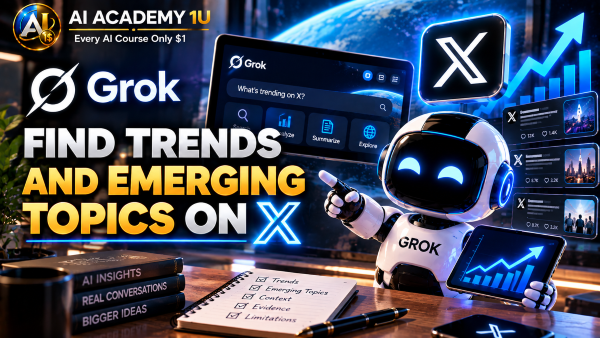
22. Find Trends and Emerging Topics on X ❌
Identify topics gaining attention on X and investigate the context behind their growth. AI Academy 1U teaches learners to look beyond a trending hashtag and examine the conversations, events, and evidence driving increased interest.
🔒
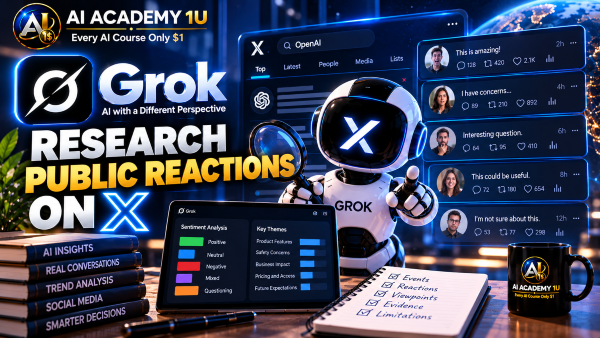
23. Research Public Reactions on X ❌
Analyze different groups of public reactions to an event, product, announcement, or other subject. AI Academy 1U demonstrates how to identify contrasting viewpoints without reducing a complex discussion to a single generalized sentiment.
🔒
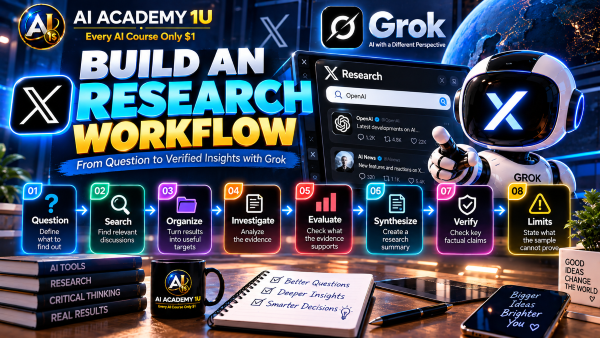
24. Build an X Research Workflow ❌
Combine Topic → X Search → Relevant Posts → Themes → Web Sources → Verification → Summary into a complete research process. AI Academy 1U shows how social signals and external evidence can work together without allowing social media alone to determine the final conclusion.
▶
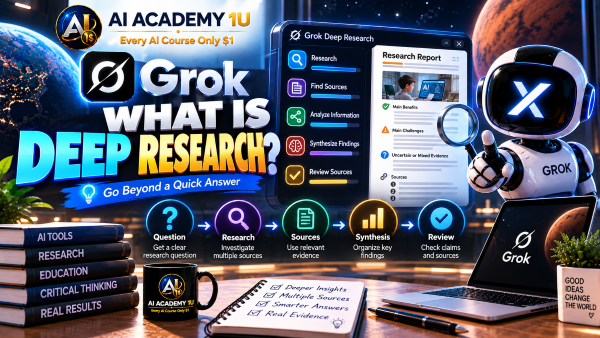
25. What Is Deep Research? ❌
Understand how deep research differs from asking Grok a single question by requiring multiple steps, multiple sources, and systematic analysis. AI Academy 1U introduces the foundation for investigating complex subjects where a quick answer is not sufficient.
🔒
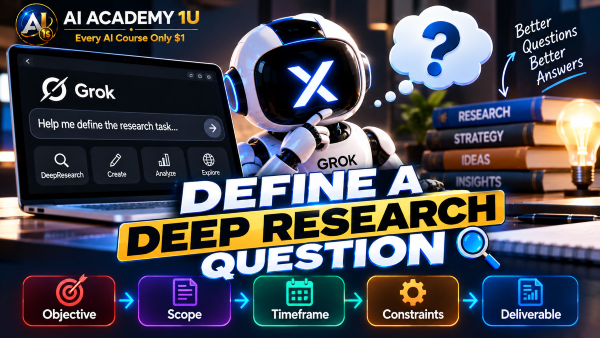
26. Define a Deep Research Question ❌
Define the objective, scope, timeframe, constraints, and expected deliverable before beginning research. AI Academy 1U shows how a well-formed research question creates boundaries that keep a complex investigation focused and manageable.
🔒
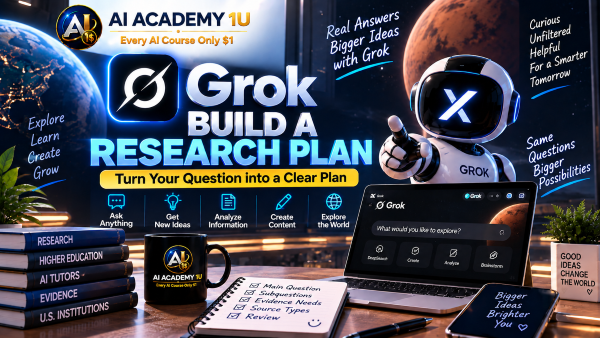
27. Build a Research Plan ❌
Break a large research problem into smaller subquestions and determine what types of sources are needed for each part. AI Academy 1U demonstrates how planning before searching reduces random information gathering and creates a clearer path toward the final result.
🔒
28. Run a Deep Research Task ❌
Carry out a complex research assignment through multiple rounds of searching, source review, questioning, and synthesis. AI Academy 1U shows how findings from one stage can guide the next stage rather than treating research as a single search request.
🔒
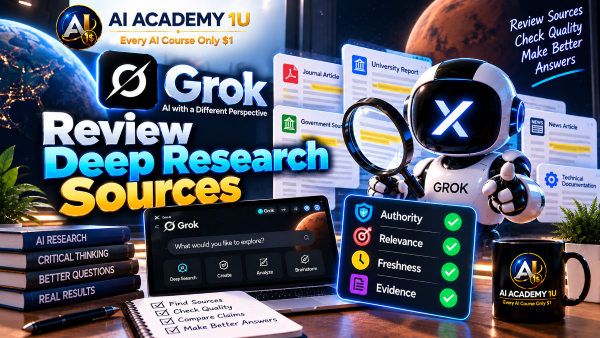
29. Review Deep Research Sources ❌
Evaluate important sources for authority, relevance, freshness, and strength of evidence. AI Academy 1U develops a source-review process that helps learners distinguish useful evidence from material that may be outdated, weak, or only loosely related to the research question.
🔒
30. Analyze and Synthesize Findings ❌
Organize a large body of research into facts, findings, disagreements, limitations, and meaningful insights. AI Academy 1U shows how synthesis connects evidence across sources while preserving uncertainty and conflicting information where appropriate.
🔒
31. Build a Professional Research Report ❌
Transform completed research into Executive Summary → Findings → Evidence → Analysis → Limitations → Conclusion → Recommendations. AI Academy 1U demonstrates how to present complex research in a professional structure where conclusions remain connected to supporting evidence.
▶
32. Follow Breaking Topics with Grok ❌
Use Grok to follow new developments around an ongoing topic and construct an initial timeline. AI Academy 1U emphasizes that early reports can change as additional evidence appears, making continued source review essential during breaking events.
🔒
33. Build a News Timeline ❌
Arrange events and reporting chronologically to understand what happened, when it happened, and when information became available. AI Academy 1U demonstrates how timelines can reveal important sequence and context that may be lost in isolated news updates.
🔒
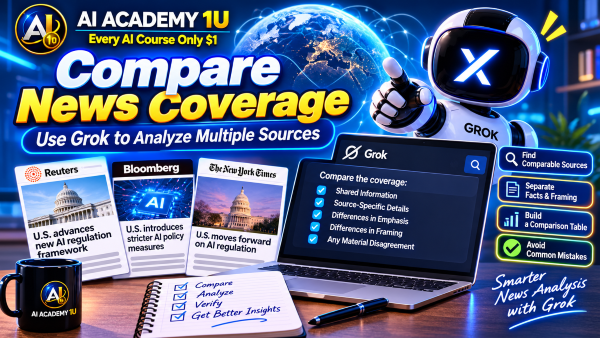
34. Compare News Coverage ❌
Compare factual information, emphasis, and framing across multiple news sources covering the same subject. AI Academy 1U helps learners identify what sources agree on and where differences in presentation or interpretation require closer examination.
🔒
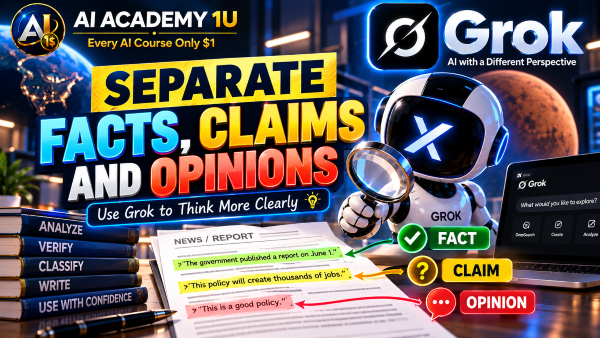
35. Separate Facts, Claims and Opinions ❌
Classify information as established facts, unverified claims, or opinions before using it in research or content. AI Academy 1U develops a practical habit for preventing unsupported statements from being presented with the same confidence as verified information.
🔒
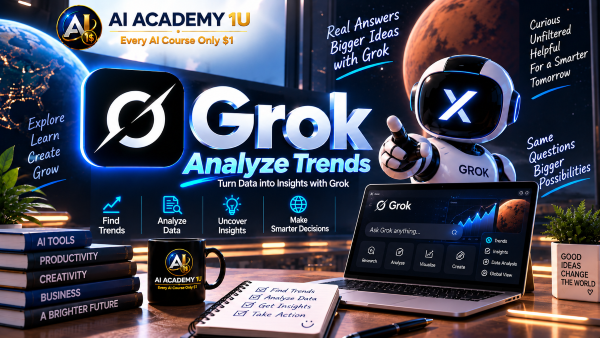
36. Analyze Trends with Grok ❌
Investigate signals, supporting evidence, and time periods associated with a potential trend. AI Academy 1U shows how to distinguish sustained patterns from temporary spikes in attention before labeling something as a meaningful long-term trend.
🔒
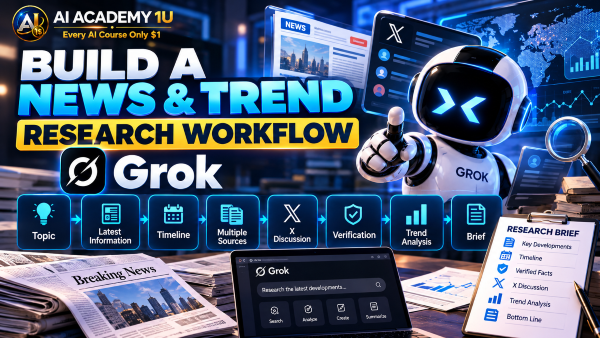
37. Build a News & Trend Research Workflow ❌
Combine Topic → Latest Information → Timeline → Multiple Sources → X Discussion → Verification → Trend Analysis → Brief. AI Academy 1U integrates the major news and trend research skills into a repeatable workflow for producing a more reliable final analysis.
▶
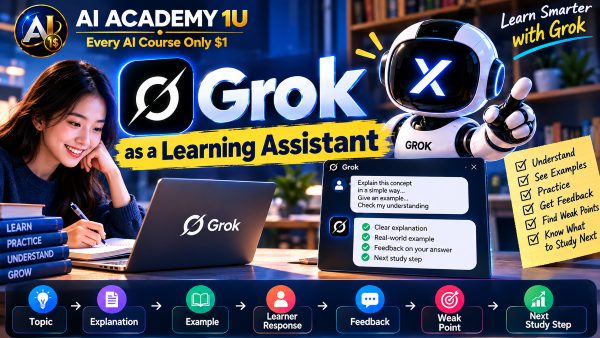
38. Use Grok as a Learning Assistant ❌
Use Grok to explore concepts, request explanations, generate examples, and support independent study. AI Academy 1U demonstrates how learners can provide their level and learning objective so AI assistance better matches what they are trying to understand.
🔒
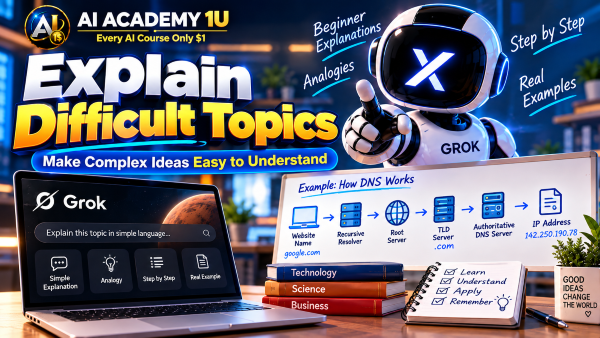
39. Explain Difficult Topics ❌
Ask Grok to break complex material into beginner-friendly explanations, analogies, and step-by-step reasoning. AI Academy 1U shows how learners can progressively request deeper explanations instead of accepting material that is either too simple or too difficult.
🔒
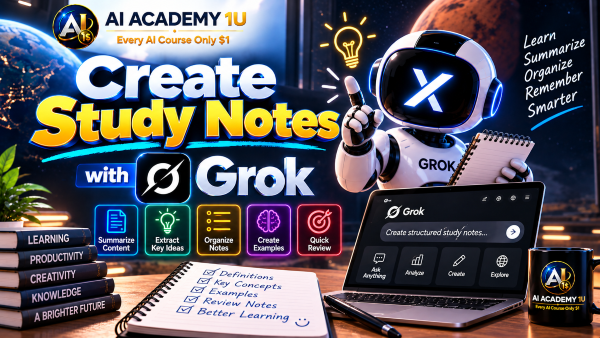
40. Create Study Notes ❌
Transform a topic or learning material into structured definitions, key concepts, examples, and review notes. AI Academy 1U demonstrates how organized notes can make important information easier to revisit while remaining connected to the original learning material.
🔒
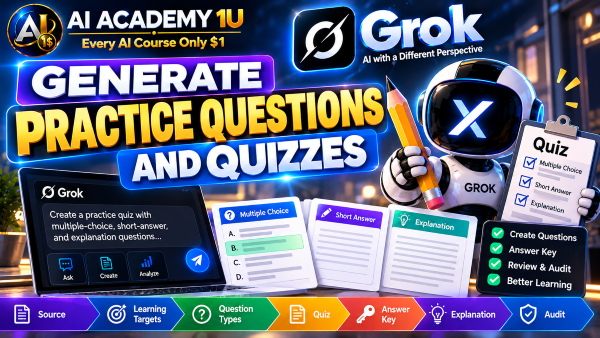
41. Generate Practice Questions and Quizzes ❌
Create multiple-choice, short-answer, and explanation questions to test understanding. AI Academy 1U shows how practice activities can reveal knowledge gaps and turn AI from a passive explanation tool into an active study partner.
🔒
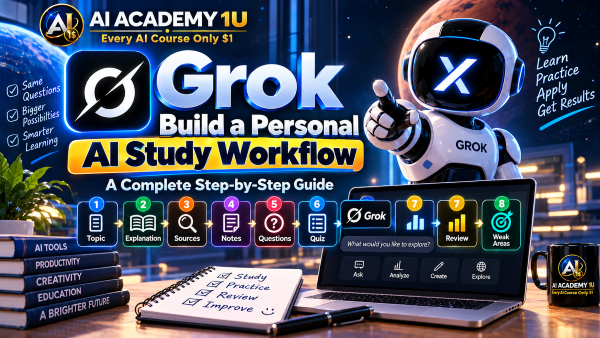
42. Build a Personal AI Study Workflow ❌
Combine Topic → Explanation → Sources → Notes → Questions → Quiz → Review → Weak Areas into a repeatable study process. AI Academy 1U demonstrates how learners can use Grok to support continuous practice and targeted improvement rather than simply generating answers.
▶
43. Generate Content Ideas ❌
Develop writing ideas based on a defined topic, audience, and objective. AI Academy 1U shows how Grok can expand an initial subject into useful content directions while keeping ideas connected to the purpose of the final piece.
🔒
44. Create Outlines with Grok ❌
Turn an idea into an organized structure of headings, arguments, and supporting points before drafting. AI Academy 1U demonstrates how a strong outline can establish logical progression and reduce disconnected or repetitive writing.
🔒
45. Draft Articles and Blog Posts ❌
Develop a first draft from an approved outline and prepared research. AI Academy 1U shows how Grok can transform structured planning into longer content while preserving the intended audience, objective, and supporting information.
🔒
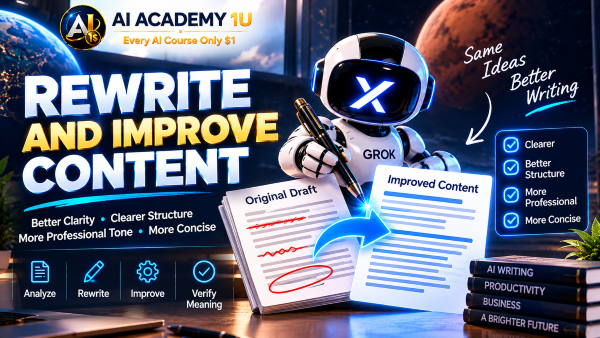
46. Rewrite and Improve Content ❌
Improve clarity, structure, tone, and conciseness while preserving the meaning of existing material. AI Academy 1U demonstrates how to define what should improve so rewriting strengthens the content rather than unnecessarily replacing it.
🔒
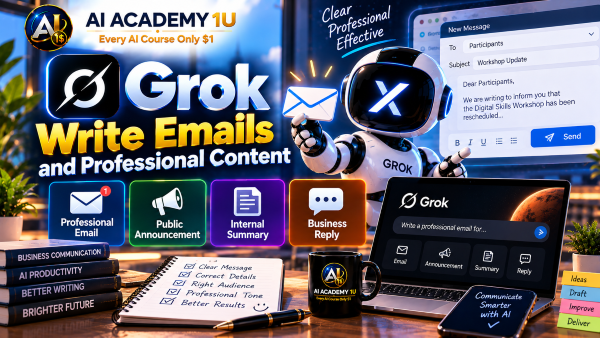
47. Write Emails and Professional Content ❌
Use Grok to draft emails, announcements, summaries, and other professional communication for specific situations. AI Academy 1U shows how audience, purpose, tone, context, and desired action can guide AI toward more useful business writing.
🔒
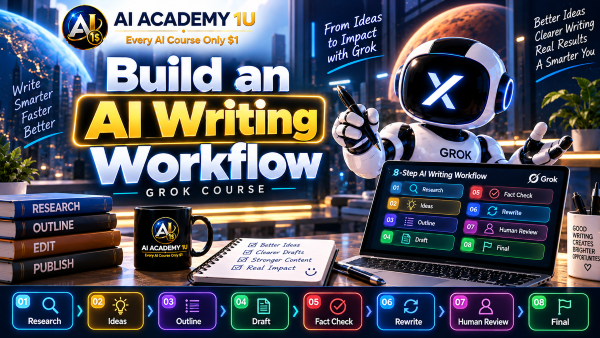
48. Build an AI Writing Workflow ❌
Combine Research → Ideas → Outline → Draft → Fact Check → Rewrite → Human Review → Final into a complete writing process. AI Academy 1U demonstrates how Grok can assist each stage while final factual and editorial responsibility remains with the writer.
▶
49. Generate Social Media Ideas ❌
Generate content ideas based on audience, platform, content pillars, and communication goals. AI Academy 1U demonstrates how these inputs help Grok produce ideas that fit an actual social-media strategy rather than a random collection of topics.
🔒
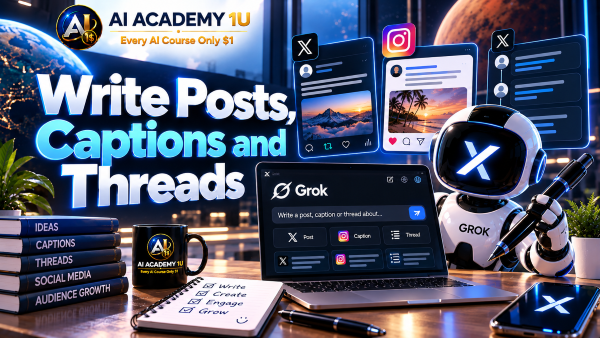
50. Write Posts, Captions and Threads ❌
Create social content adapted to different formats and length requirements. AI Academy 1U shows how Grok can reshape the same core message for posts, captions, or longer threads while maintaining the intended audience and purpose.
🔒
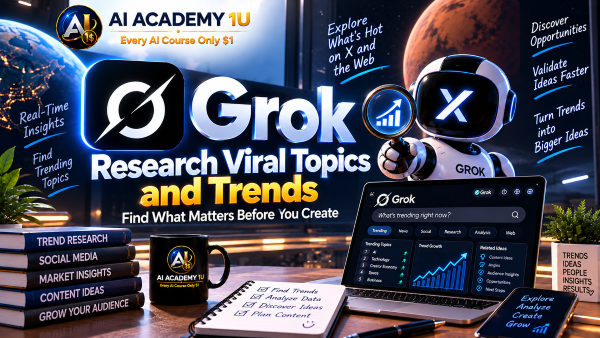
51. Research Viral Topics and Trends ❌
Combine information from the web and X to understand the context behind viral topics before creating content around them. AI Academy 1U emphasizes verification so creators do not build posts around misleading or misunderstood trends.
🔒
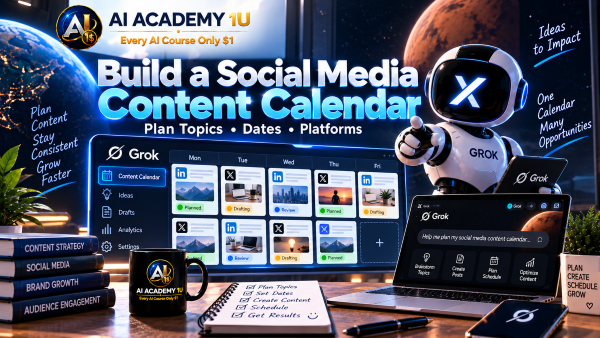
52. Build a Social Media Content Calendar ❌
Organize Topic → Platform → Format → Publish Date → Goal → Status into a practical publishing calendar. AI Academy 1U shows how structured scheduling turns individual content ideas into a coordinated social-media plan.
🔒
53. Build a Trend-to-Content Workflow ❌
Apply Trend → Verify → Audience Fit → Angle → Draft → Review → Publish to turn current topics into responsible content. AI Academy 1U demonstrates how verification and audience relevance should come before production and publication.
▶
54. Research YouTube Topics ❌
Research facts, sources, trends, and audience questions before developing a YouTube video. AI Academy 1U shows creators how stronger research can provide the factual and audience foundation needed before titles, outlines, or scripts are written.
🔒
55. Find Video Angles and Content Ideas ❌
Turn one broad subject into multiple distinct video angles based on audience interests and available evidence. AI Academy 1U demonstrates how choosing a clear angle can prevent videos from becoming generic summaries of an overly broad topic.
🔒
56. Create YouTube Titles and Hooks ❌
Develop multiple titles and opening hooks that accurately reflect the real content of a video. AI Academy 1U shows how to create compelling options without promising information or results that the finished video does not actually provide.
🔒
57. Build YouTube Video Outlines ❌
Organize a video as Hook → Context → Main Sections → Examples → Conclusion → CTA. AI Academy 1U demonstrates how a structured outline creates logical progression and gives research a clear place within the final video.
🔒
58. Write Source-Based YouTube Scripts ❌
Combine verified research with storytelling to create a complete YouTube script while preserving evidence for important factual claims. AI Academy 1U demonstrates how creators can make information engaging without separating the script from its research foundation.
🔒
59. Build a YouTube Research-to-Script Workflow ❌
Apply Topic → Trend Research → Sources → Fact Check → Angle → Outline → Script → Final Review as an end-to-end creator workflow. AI Academy 1U connects research, verification, creative planning, and writing into one repeatable production process.
▶
60. Understand Image Generation in Grok ❌
Understand the Text Prompt → Generate → Review → Refine process and the types of visuals Grok can create. AI Academy 1U establishes a practical foundation for treating image generation as an iterative creative workflow rather than expecting the first output to be final.
🔒
61. Write Better Image Prompts ❌
Structure image prompts using Subject → Environment → Composition → Lighting → Style → Details. AI Academy 1U demonstrates how visual instructions can give Grok clearer creative direction and make generated images easier to refine.
🔒
62. Create Different Visual Styles ❌
Experiment with realistic, illustration, cinematic, advertising, and conceptual visual directions. AI Academy 1U shows how changing style affects the appearance and communication purpose of an image while the underlying subject can remain consistent.
🔒
63. Refine and Edit AI Images ❌
Improve an existing AI image by adjusting concept, composition, details, or overall visual direction. AI Academy 1U demonstrates how targeted revision instructions can progressively move an image closer to the intended result.
🔒
64. Create Images for Social Media and Content ❌
Create thumbnail concepts, social posts, promotional graphics, and supporting visuals around specific content objectives. AI Academy 1U shows how audience, platform, message, and visual purpose should influence the image-generation process.
🔒
65. Build an AI Image Workflow with Grok ❌
Combine Brief → Concept → Prompt → Generation → Review → Refinement → Final Asset into a complete production process. AI Academy 1U demonstrates how structured iteration can turn an initial visual idea into a more usable final asset.
▶
66. Research Customers with Grok ❌
Use public information to investigate customer needs, pain points, questions, and buying concerns. AI Academy 1U shows how Grok can organize customer research while distinguishing observable evidence from assumptions that still require validation.
🔒
67. Research Competitors ❌
Compare competitors across products, positioning, messaging, and other publicly available information. AI Academy 1U demonstrates how structured competitive research can reveal meaningful differences without treating AI-generated interpretations as established business facts.
🔒
68. Research Marketing Trends ❌
Combine web information, recent developments, and social signals to investigate changing marketing trends. AI Academy 1U shows how freshness and supporting evidence can help distinguish meaningful market developments from short-lived attention.
🔒
69. Build Marketing Campaign Ideas ❌
Transform Product → Audience → Problem → Benefit → Message → Channel → Content into a coherent campaign concept. AI Academy 1U demonstrates how research findings can guide creative campaign development instead of generating marketing ideas without strategic context.
🔒
70. Build an AI Marketing Research Workflow ❌
Apply Market → Customer → Competitors → Trends → Insights → Campaign Brief → Human Review as a complete marketing research process. AI Academy 1U connects information gathering, analysis, strategy, and campaign planning while keeping final decisions under human control.
▶
71. Research Markets and Industries ❌
Research market conditions, industry structure, competitors, trends, and opportunities using publicly available sources. AI Academy 1U demonstrates how Grok can organize external information into a clearer picture of a market while important findings remain subject to verification.
🔒
72. Evaluate Business Ideas ❌
Analyze a business idea through its problem, target customer, alternatives, differentiation, risks, and evidence requirements. AI Academy 1U shows how structured evaluation can reveal assumptions that need validation before time or money is committed.
🔒
73. Build Business Strategies with AI ❌
Use research findings to develop strategic options and possible scenarios rather than asking Grok to make the business decision itself. AI Academy 1U demonstrates how AI can support strategic thinking while management retains responsibility for priorities and final choices.
🔒
74. Build a Business Intelligence Workflow ❌
Combine Market Data → Competitors → Trends → Signals → Analysis → Insights → Decision Brief into a structured intelligence process. AI Academy 1U shows how external information can be transformed into decision support while preserving the evidence behind important conclusions.
▶
75. Use Grok as a Coding Assistant ❌
Learn how to describe a programming task using the language, framework, existing project context, and expected behavior. AI Academy 1U establishes the information Grok needs before it can provide useful coding assistance instead of generating isolated code without project context.
🔒
76. Generate and Explain Code ❌
Use Grok to generate a focused piece of code and then explain its logic, inputs, outputs, and dependencies. AI Academy 1U combines code generation with understanding so learners can evaluate what the generated code is intended to do before using it.
🔒
77. Debug Code with Grok ❌
Provide the error, relevant code, expected result, and actual result so Grok can help investigate a programming problem. AI Academy 1U demonstrates how complete debugging context improves diagnosis and allows proposed fixes to be evaluated systematically.
🔒
78. Build Website and App Features with Grok ❌
Move from Requirement → Architecture Context → Implementation Plan → Code → Test → Review for a specific application feature. AI Academy 1U demonstrates how Grok can support real development work when implementation is connected to the existing project and verified through testing.
🔒
79. Build Multi-Step Grok Workflows ❌
Connect Research → X → Verification → Analysis → Content/Image/Code → Review into a multi-stage Grok workflow. AI Academy 1U shows how each stage should have a clear input, expected output, and human checkpoint so errors from one step are not automatically carried into the next.
🔒
80. Complete Project: Build a Grok AI Research & Content System ❌
Complete the course by combining Goal → Real-Time Search → X Research → Deep Research → Source Verification → Trend Analysis → Content Planning → Writing → Visual → Final Review. AI Academy 1U brings the major Grok skills together into an end-to-end system that can support research, content creation, marketing, or business while preserving source verification and human oversight.
ChatGPT is an AI assistant for writing, learning, research, problem solving, and creative tasks. Learn practical skills with AI Academy and discover useful workflows in our AI Library.
EXPLORE AI LIBRARYCanva is a design platform for creating graphics, presentations, videos, and social media content. Learn practical design skills with AI Academy and explore creative workflows in our AI Library.
EXPLORE AI LIBRARYCapCut is a video editing platform for creating and enhancing videos with AI-powered tools, effects, captions, and templates. Learn practical skills with AI Academy and explore workflows in our AI Library.
EXPLORE AI LIBRARYGoogle Gemini is Google’s assistant for research, writing, reasoning, images, and productivity. Learn practical skills with AI Academy and discover useful workflows in our AI Library.
EXPLORE AI LIBRARYLearn Google Veo with AI Academy 1U and create cinematic AI videos from text and images using powerful video generation, camera controls, visual storytelling, and creative production techniques.
EXPLORE AI LIBRARYElevenLabs AI is a voice platform for text to speech, narration, and voice creation. Learn practical skills with AI Academy and discover useful workflows in our AI Library.
EXPLORE AI LIBRARYClaude AI is an assistant for writing, document analysis, reasoning, and coding. Learn practical skills with AI Academy and discover useful workflows in our AI Library.
EXPLORE AI LIBRARYVideoGen AI empowers creators to produce engaging videos faster with AI-powered tools. Learn practical workflows, creative techniques, and production strategies with AI Academy 1U to create professional video content efficiently.
EXPLORE AI LIBRARYHeyGen AI is an avatar video platform for presentations, narration, and multilingual communication. Learn practical skills with AI Academy and discover useful workflows in our AI Library.
EXPLORE AI LIBRARYMicrosoft Copilot is Microsoft’s assistant for productivity, writing, research, and workplace tasks. Learn practical skills with AI Academy and discover useful workflows in our AI Library.
EXPLORE AI LIBRARY








