


ChatGPT
ChatGPT is an AI assistant for writing, learning, research, problem solving, and creative tasks. Learn practical skills with AI Academy and discover useful workflows in our AI Library.
EXPLORE AI LIBRARYCapCut is a video editing platform for creating and enhancing videos with AI-powered tools, effects, captions, and templates. Learn practical skills with AI Academy and explore workflows in our AI Library.

Explore all lessons in this catalogue and start learning at your own pace.
▶
1. What Is CapCut? ❌
Explore the modern CapCut ecosystem, including video editing, image creation, AI generation, audio, captions, avatars, and social content production. AI Academy 1U explains how CapCut goes beyond traditional video editing and brings multiple creative tools into one production platform.
▶
2. CapCut Web, Desktop and Mobile ❌
Compare CapCut Web, Desktop, and Mobile to understand the strengths of each working environment. AI Academy 1U explains when to use each version and how to choose a practical workflow based on your device and production needs.
▶
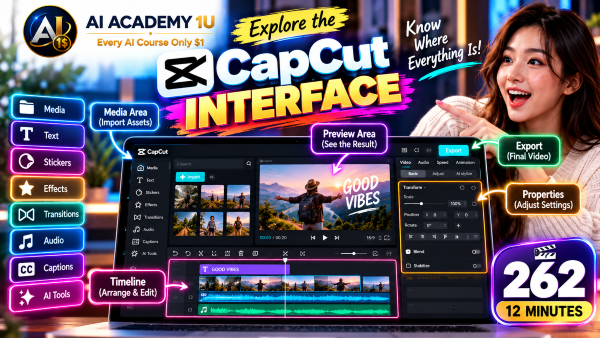
3. Explore the CapCut Interface ❌
Explore Media, Player, Timeline, Inspector, Text, Audio, Captions, Effects, Transitions, Filters, and AI tools. AI Academy 1U helps you understand where the essential CapCut controls are located so you can navigate the editing workspace efficiently.
▶
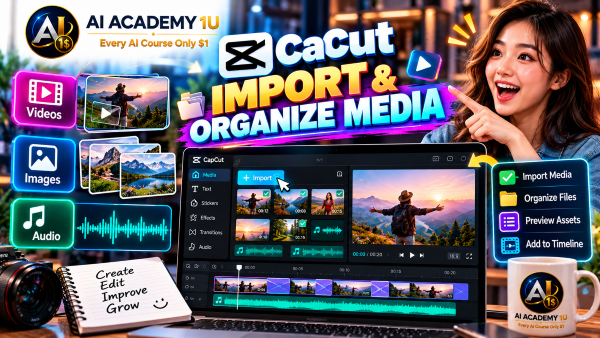
4. Create and Manage Projects ❌
Learn how to create a CapCut project, import media, organize creative assets, and understand the basic project structure. AI Academy 1U shows how good project organization makes editing easier and helps prevent confusion as productions become more complex.
▶
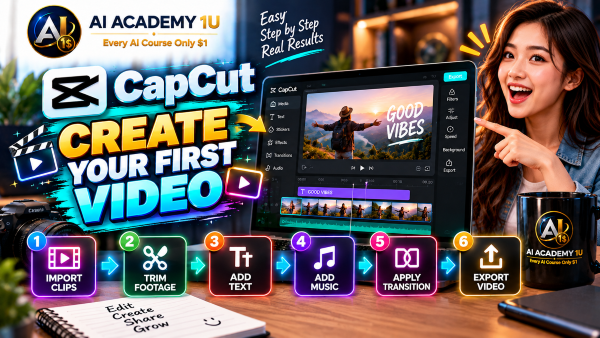
5. Create Your First CapCut Video ❌
Create your first complete CapCut video by importing clips, trimming footage, adding text and music, applying a transition, and exporting the result. AI Academy 1U introduces a simple start-to-finish workflow that beginners can immediately practice.
▶
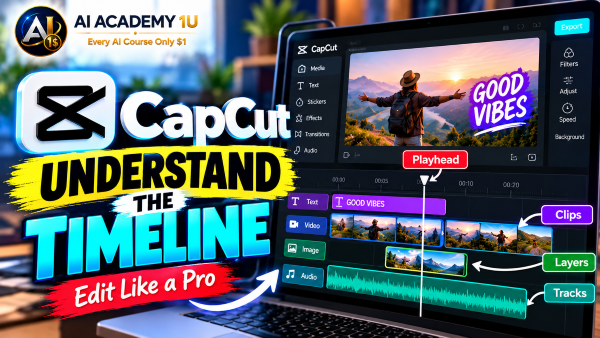
6. Understand the Timeline ❌
Understand how tracks, clips, layers, and the playhead work together inside the CapCut timeline. AI Academy 1U explains how the timeline controls the structure and timing of your video so you can edit with greater accuracy and confidence.
🔒
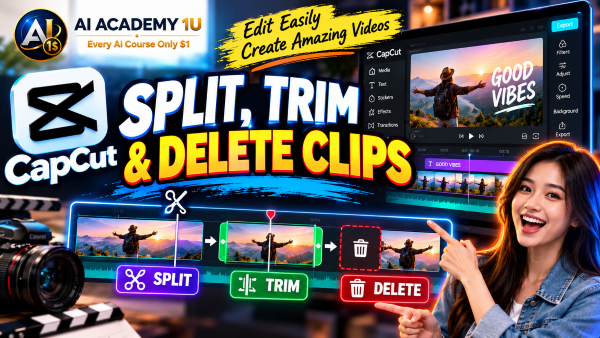
7. Trim, Split and Arrange Clips ❌
Learn how to trim unwanted footage, split clips at the right moments, and arrange scenes into a clear sequence. AI Academy 1U shows how these essential editing techniques help transform raw footage into a structured story with better pacing and flow.
🔒
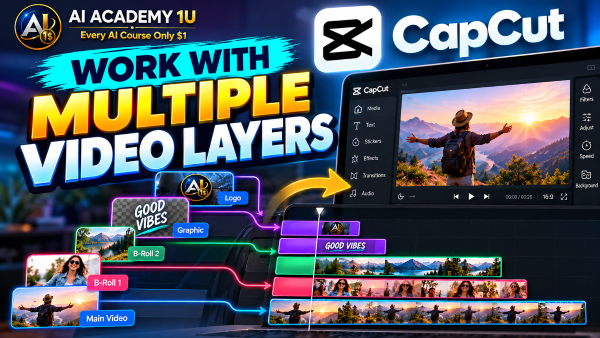
8. Work with Multiple Video Layers ❌
Combine main footage, overlays, B-roll, and graphics across multiple video layers. AI Academy 1U demonstrates how layered editing creates richer visual compositions while keeping each element organized and correctly positioned throughout the timeline.
🔒
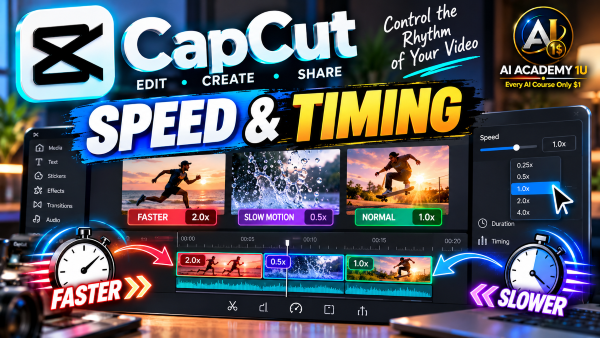
9. Control Speed and Timing ❌
Adjust clip speed, duration, and timing to control the rhythm and pacing of your video. AI Academy 1U explains how thoughtful timing decisions can make scenes feel faster, slower, more dramatic, or easier for viewers to follow.
🔒
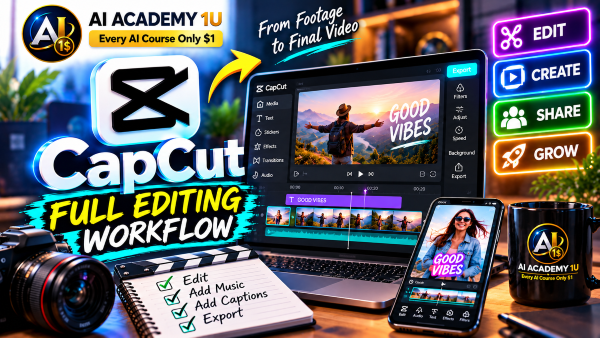
10. Build a Professional Editing Workflow ❌
Follow a structured production process from footage organization and rough cut through fine editing, audio, visuals, captions, review, and export. AI Academy 1U shows how an organized workflow improves consistency and reduces unnecessary editing work.
▶
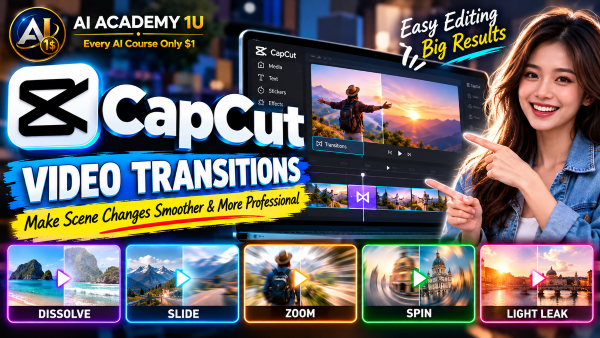
11. Understand Video Transitions ❌
Understand the purpose of video transitions and learn when a transition improves a scene or becomes distracting. AI Academy 1U explains how to use transitions selectively so scene changes support the story without overwhelming the viewer.
🔒
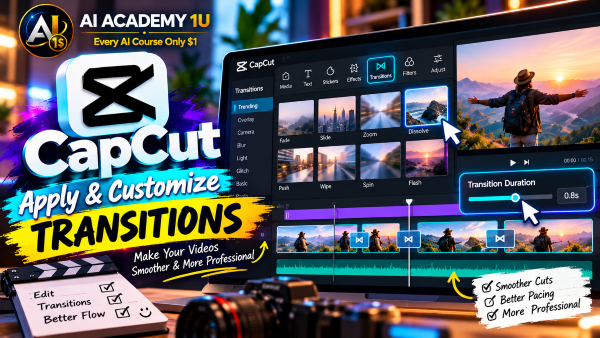
12. Apply and Customize Transitions ❌
Apply transitions between different types of scenes and adjust their duration to match the pacing of the edit. AI Academy 1U demonstrates how customized transition timing can make scene changes feel smoother and more intentional.
🔒
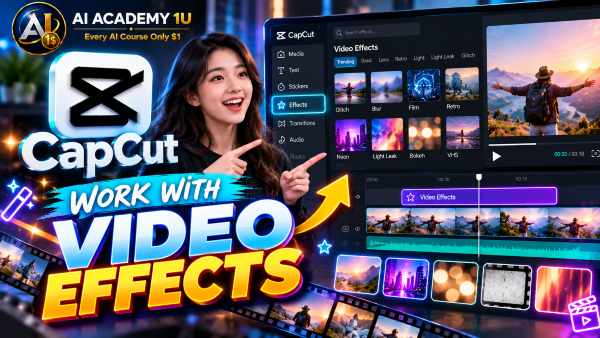
13. Work with Video Effects ❌
Use video effects to support mood, emphasis, and storytelling instead of treating effects as decoration. AI Academy 1U shows how to evaluate an effect based on what it contributes to the message and visual experience.
🔒
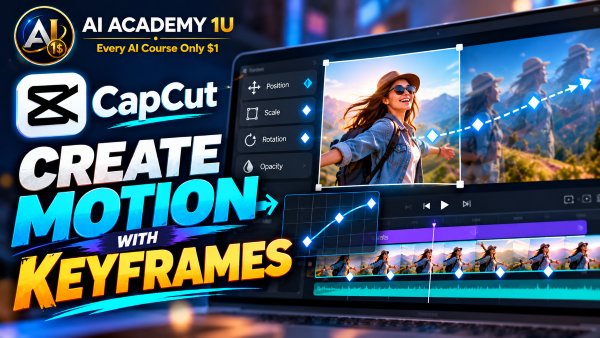
14. Create Motion with Keyframes ❌
Create custom motion by animating position, scale, rotation, and other properties with keyframes. AI Academy 1U explains how keyframes give editors precise control over movement and allow static visual elements to become dynamic.
🔒
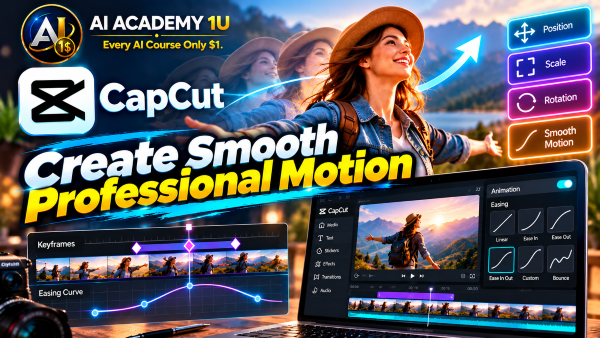
15. Create Smooth Professional Motion ❌
Combine keyframes, timing, zoom techniques, and transitions to create smooth visual sequences. AI Academy 1U demonstrates how coordinated movement helps connect scenes naturally and gives an edited video a more polished professional appearance.
▶
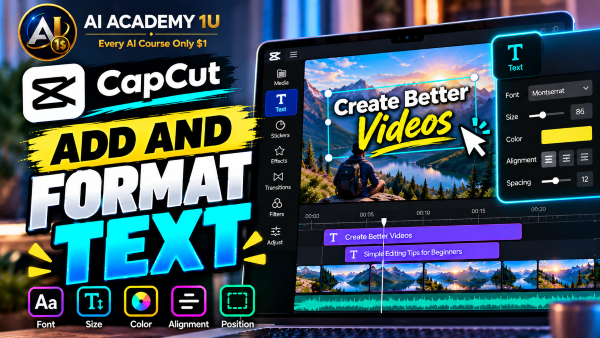
16. Add and Format Text ❌
Create titles, subtitles, labels, and calls to action while controlling font, size, color, and visual hierarchy. AI Academy 1U explains how clear text formatting helps viewers understand which information deserves attention first.
🔒
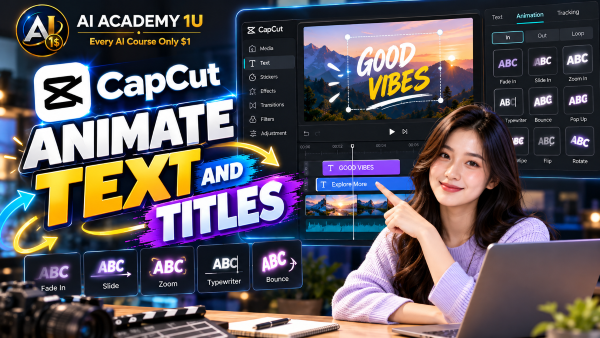
17. Animate Text and Titles ❌
Create text and title animations for introductions, social videos, and promotional content. AI Academy 1U demonstrates how motion can attract attention to important text while remaining consistent with the pace and purpose of the video.
🔒
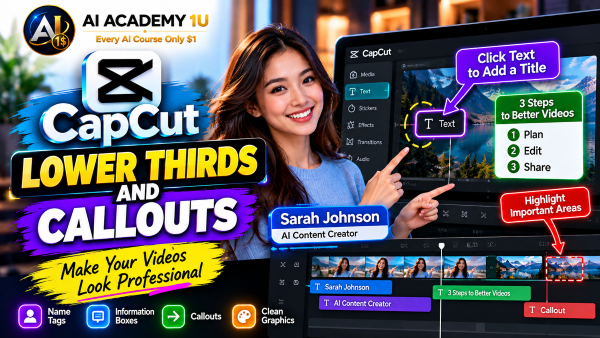
18. Create Lower Thirds and Callouts ❌
Design lower thirds, name tags, information boxes, and callouts that communicate details clearly. AI Academy 1U shows how to position and style supporting information so viewers can read it without losing focus on the main content.
🔒
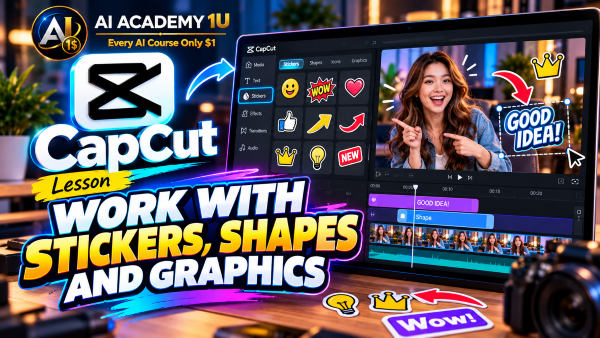
19. Work with Stickers, Shapes and Graphics ❌
Combine stickers, shapes, and graphic elements while maintaining visual consistency throughout your production. AI Academy 1U explains how supporting graphics can strengthen communication when their style, placement, and purpose remain coordinated.
🔒
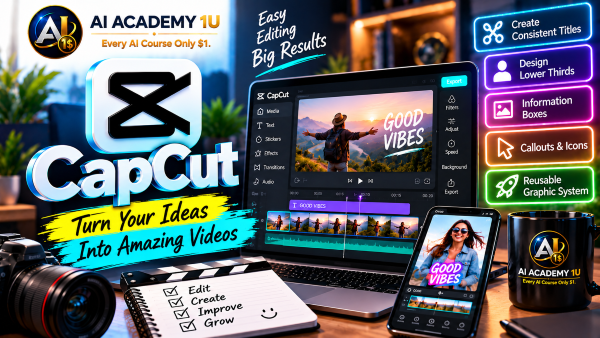
20. Build a Reusable Video Graphic System ❌
Create reusable styles for titles, captions, calls to action, and graphic elements across multiple videos. AI Academy 1U shows how a consistent graphic system saves production time and gives your content a recognizable visual identity.
▶
21. Understand Audio in CapCut ❌
Understand voice, music, sound effects, volume, and the different roles audio layers play in a video. AI Academy 1U introduces the basic audio structure needed to make intentional decisions instead of simply adding sound to an edit.
🔒
22. Edit Voice and Dialogue ❌
Cut, clean, and balance recorded speech so dialogue sounds clear and natural. AI Academy 1U demonstrates how careful voice editing removes unnecessary distractions while preserving the natural delivery and meaning of the speaker.
🔒
23. Add Music and Sound Effects ❌
Select and position music and sound effects according to the mood, action, and purpose of each scene. AI Academy 1U explains how supporting audio can strengthen emotional impact without competing with important dialogue.
🔒
24. Reduce Noise and Enhance Voice ❌
Use CapCut AI tools to reduce unwanted background noise and improve the clarity of recorded speech. AI Academy 1U shows how enhancement can improve difficult recordings while still requiring careful listening and review.
🔒
25. Professional Audio Mixing ❌
Balance dialogue, music, and sound effects so each audio layer remains clear without overpowering the others. AI Academy 1U introduces a practical mixing approach that creates a more comfortable and professional listening experience.
▶
26. Generate Auto Captions ❌
Use speech recognition to automatically convert spoken words into synchronized video captions. AI Academy 1U explains how auto captions can accelerate subtitle creation while still requiring review for transcription accuracy and proper timing.
🔒
27. Edit and Style Captions ❌
Correct transcription errors, divide sentences, adjust timing, and design readable caption styles. AI Academy 1U shows how careful caption editing improves both accuracy and the viewing experience across different types of video content.
🔒
28. Create Animated Social Captions ❌
Create animated subtitles that emphasize important keywords for Shorts, Reels, and TikTok-style content. AI Academy 1U demonstrates how caption movement and emphasis can support viewer attention without making the screen unnecessarily busy.
🔒
29. Edit Video from Transcript ❌
Use a transcript to identify and remove unnecessary spoken sections while organizing video content more efficiently. AI Academy 1U explains how text-based editing can simplify the process of working with dialogue-heavy footage.
🔒
30. Build a Caption-First Production Workflow ❌
Build a complete workflow from speech recognition and transcription through editing, captions, styling, and accessibility review. AI Academy 1U shows how treating captions as a central production element can improve both efficiency and accessibility.
▶
31. Understand Color Correction ❌
Understand exposure, contrast, saturation, temperature, and the fundamental purpose of color correction. AI Academy 1U explains how these controls work together to create balanced footage before additional creative styling is applied.
🔒
32. Use Filters and Manual Adjustments ❌
Combine filters and manual color adjustments while avoiding an artificial or overly processed appearance. AI Academy 1U demonstrates how presets can provide a starting point while manual controls allow more precise visual refinement.
🔒
33. Use Auto Enhance ❌
Use AI-powered Auto Enhance to improve brightness, detail, and color, then carefully evaluate the result. AI Academy 1U emphasizes that automatic enhancement should support your judgment rather than replace visual review.
🔒
34. Remove Unwanted Objects and Backgrounds ❌
Use AI removal and background-removal tools to clean scenes, isolate subjects, or eliminate unwanted visual elements. AI Academy 1U demonstrates how these tools can simplify difficult editing tasks while preserving a believable final composition.
🔒
35. Restore and Improve Low-Quality Footage ❌
Combine enhancement, noise reduction, flicker correction, and appropriate visual adjustments to improve weak footage. AI Academy 1U shows how multiple cleanup techniques can help recover usable material without expecting AI to recreate missing quality perfectly.
▶
36. Understand CapCut AI Video Maker ❌
Understand how CapCut AI Video Maker can transform an idea or script into an initial video production. AI Academy 1U explains which parts AI can automate and which creative decisions still require human review and refinement.
🔒
37. Generate Video Ideas and Scripts with AI ❌
Use topics, key points, audience information, tone, and target duration to develop structured video scripts with AI. AI Academy 1U shows how better creative direction gives AI stronger context for producing useful script drafts.
🔒
38. Turn Scripts into Videos ❌
Transform a script into an AI-assisted video with visuals, narration, and organized scenes. AI Academy 1U demonstrates how to review whether generated imagery actually supports the spoken message instead of accepting every automatic selection.
🔒
39. Replace and Refine AI-Generated Scenes ❌
Replace incorrectly selected media and refine AI-generated scenes by adjusting voice, captions, music, and pacing. AI Academy 1U shows how manual editing turns an automated first draft into a more intentional production.
🔒
40. Build a Complete AI Video ❌
Complete an AI video workflow from idea and script through generation, media replacement, captions, music, manual editing, and export. AI Academy 1U brings automated and traditional editing techniques together in one practical production process.
▶
41. Understand Generative AI in CapCut ❌
Understand the differences between AI-generated images, videos, music, and other prompt-based creative assets available in CapCut. AI Academy 1U introduces how each type of generated media can contribute to a broader production workflow.
🔒
42. Generate Images from Prompts ❌
Write image prompts that describe the subject, composition, lighting, visual style, and aspect ratio. AI Academy 1U demonstrates how specific creative direction helps produce images that are more suitable for your intended video project.
🔒
43. Generate Videos from Text ❌
Turn written descriptions into generated video by defining action, camera behavior, and visual direction. AI Academy 1U explains how motion-oriented prompting differs from describing a still image and helps guide more useful generated scenes.
🔒
44. Generate Video from Images and References ❌
Use source images and visual references to generate motion while maintaining stronger visual direction. AI Academy 1U shows how reference-based generation can provide AI with clearer creative guidance than text instructions alone.
🔒
45. Combine AI-Generated Assets into a Production ❌
Combine AI-generated images, video, music, and traditional editing into one unified production. AI Academy 1U demonstrates how individually generated assets need consistent style, pacing, audio, and storytelling to feel like parts of the same project.
▶
46. Understand CapCut AI Avatars ❌
Understand stock avatars, custom avatars, and their potential roles in educational, marketing, and presenter videos. AI Academy 1U explains how digital presenters can support content production when matched appropriately with the message and audience.
🔒
47. Create Avatar Videos from Scripts ❌
Select an avatar, prepare a script and voice, and generate a presenter-style video. AI Academy 1U demonstrates the basic relationship between written content, digital presenters, narration, and the resulting visual presentation.
🔒
48. Create and Customize Your Own Avatar ❌
Understand how a custom digital persona can be created from user-provided media and used consistently across content. AI Academy 1U explains how maintaining a recognizable avatar can support continuity across multiple productions.
🔒
49. Use Lipsync, Mimic Motion and Talking Characters ❌
Create talking and moving characters from photos or video using lipsync and motion-based AI features. AI Academy 1U explores how character animation can transform static or existing media into more expressive visual content.
🔒
50. Create a Professional AI Presenter Video ❌
Build a complete presenter project using script, avatar, voice, visuals, B-roll, captions, branding, and final editing. AI Academy 1U shows how multiple production layers work together to create a polished AI presenter video.
▶
51. Understand CapCut AI Voice Tools ❌
Understand the differences between recorded voice, text-to-speech, voice effects, and voice changing tools in CapCut. AI Academy 1U explains where each option fits within narration, character, entertainment, and general video production.
🔒
52. Create Voiceovers with Text-to-Speech ❌
Convert written scripts into AI-generated narration and choose a voice appropriate for the content. AI Academy 1U shows how voice selection influences the tone and overall presentation of a video.
🔒
53. Control Voice Style and Pacing ❌
Adjust delivery style, pauses, and pacing so AI narration works naturally with the visual sequence. AI Academy 1U demonstrates why voice timing must be coordinated with scenes rather than treated as a separate production element.
🔒
54. Use Voice Changer Creatively ❌
Modify vocal style with voice-changing tools for characters, entertainment, and other creative applications. AI Academy 1U explores how altered voices can support a creative concept when they are used intentionally and consistently.
🔒
55. Build an AI Narration Workflow ❌
Build a complete narration workflow from script and AI voice through timing, captions, music, mixing, and review. AI Academy 1U connects individual voice tools into a structured production process for finished video content.
▶
56. Understand AI Video Translation ❌
Understand the difference between translating words and fully localizing a video for another audience. AI Academy 1U explains why language, meaning, timing, visuals, and cultural context all require attention when adapting video content.
🔒
57. Translate Captions and Subtitles ❌
Create multilingual subtitles and review translation accuracy, timing, sentence length, and line breaks. AI Academy 1U demonstrates how translated captions need both linguistic and visual review before they are ready for viewers.
🔒
58. Translate Voice and Spoken Content ❌
Use AI translation for spoken content while reviewing meaning, pronunciation, and timing. AI Academy 1U explains why translated narration must remain synchronized with the visual presentation and preserve the intended message.
🔒
59. Localize Videos for Different Markets ❌
Adapt language, text, visuals, calls to action, and cultural context for audiences in different markets. AI Academy 1U shows how localization goes beyond direct translation to make content more appropriate for its intended viewers.
🔒
60. Create a Multilingual Video Campaign ❌
Transform one master video into multiple language versions while maintaining consistent branding. AI Academy 1U demonstrates how a structured localization workflow can expand a campaign without rebuilding every production element from the beginning.
▶
61. Understand AutoCut and AI Clipping ❌
Understand how AI can help select and arrange useful portions of footage automatically. AI Academy 1U introduces AutoCut and AI clipping as production assistants that accelerate editing while leaving final creative judgment with the editor.
🔒
62. Create Automatic Edits with AutoCut ❌
Use AutoCut to generate an initial edit, then evaluate and refine the automatically selected footage. AI Academy 1U demonstrates why an AI-generated first cut should be treated as a starting point rather than a finished production.
🔒
63. Find Highlights with AI Clipper ❌
Use AI Clipper to identify portions of longer content that may work as standalone short clips. AI Academy 1U shows how highlight detection can accelerate content repurposing while still requiring editorial judgment.
🔒
64. Convert Long Videos into Shorts ❌
Transform long-form content into vertical short videos with focused hooks, captions, and calls to action. AI Academy 1U demonstrates how a useful short should be restructured for mobile viewing rather than simply cropped from the original.
🔒
65. Build a Long-to-Short Content System ❌
Create a repeatable system for turning podcasts, interviews, and educational videos into multiple social-media assets. AI Academy 1U shows how one long production can become a structured source for ongoing short-form content.
▶
66. Understand Vertical Video Storytelling ❌
Understand 9:16 composition, hooks, viewer retention, pacing, and mobile-first visual design. AI Academy 1U explains how vertical storytelling changes the way scenes, text, subjects, and important information should be presented on screen.
🔒
67. Create TikTok Videos ❌
Build TikTok-style videos with an immediate hook, clear scene progression, captions, and an appropriate call to action. AI Academy 1U demonstrates how short-form structure helps communicate a message quickly while maintaining viewer attention.
🔒
68. Create Instagram Reels and Facebook Videos ❌
Optimize format, text placement, visuals, and pacing for Instagram Reels and Facebook video content. AI Academy 1U shows how platform-aware editing can make the same creative idea more effective for Meta audiences.
🔒
69. Create YouTube Shorts ❌
Create YouTube Shorts with a fast opening hook, clear narrative, and mobile-friendly visuals. AI Academy 1U demonstrates how concise structure and readable visual communication help viewers understand short-form content quickly.
🔒
70. Build a 30-Day Short-Form Content System ❌
Plan content pillars, reusable editing styles, captions, templates, and a production workflow for an entire month. AI Academy 1U shows how a repeatable system can support consistent short-form publishing without rebuilding every video from zero.
▶
71. Understand Long-Form Editing ❌
Understand the role of introductions, main sections, B-roll, and calls to action in long-form video. AI Academy 1U explains how a clear structure helps organize extended content and keeps viewers oriented throughout the production.
🔒
72. Edit Talking-Head Videos ❌
Remove unnecessary sections, improve pacing, and add B-roll, text, and supporting visuals to talking-head footage. AI Academy 1U demonstrates how visual support can make spoken content clearer and more engaging without distracting from the speaker.
🔒
73. Edit Tutorials and Educational Videos ❌
Organize chapters, screen content, explanations, highlights, and captions so instructional videos are easier to follow. AI Academy 1U shows how thoughtful editing can improve the learning experience by making complex information more structured and visible.
🔒
74. Edit Vlogs and Story-Driven Videos ❌
Transform disconnected footage into a coherent story using structure, music, pacing, and B-roll. AI Academy 1U demonstrates how editorial choices can create narrative meaning from footage that was captured at different moments.
🔒
75. Complete YouTube Video Project ❌
Take raw footage through structure, rough cut, B-roll, audio, graphics, captions, color correction, and final export. AI Academy 1U combines the major long-form editing skills into one complete YouTube production workflow.
▶
76. Understand Commercial Video Structure ❌
Understand a commercial structure built around Hook, Problem, Solution, Benefits, Proof, and Call to Action. AI Academy 1U explains how these sections guide viewers from initial attention toward understanding the product and the intended next action.
🔒
77. Create Product Videos ❌
Combine product footage or images, close-up visuals, text, benefits, and branding into a focused product video. AI Academy 1U demonstrates how each visual element should help viewers understand the product rather than simply decorate the advertisement.
🔒
78. Create E-Commerce Ads ❌
Create short e-commerce advertisements centered on product benefits, offers, and conversion-oriented messaging. AI Academy 1U shows how concise visual structure can communicate what a product does, why it matters, and what viewers should do next.
🔒
79. Create UGC-Style Advertising ❌
Develop creator- or customer-style advertising that feels natural while maintaining a clear commercial structure. AI Academy 1U explains how UGC-style presentation can combine conversational content with intentional product messaging and calls to action.
🔒
80. Build a Complete Product Campaign ❌
Create multiple advertising variations from one product and a shared campaign concept. AI Academy 1U demonstrates how reusable footage, messaging, and creative elements can support several ads without producing every version independently.
▶
81. Understand CapCut Templates ❌
Understand how CapCut templates are structured and how they can accelerate production without making every video look identical. AI Academy 1U explains how templates should provide a foundation that can still be adapted to your own creative identity.
🔒
82. Customize Templates Professionally ❌
Replace media, text, colors, timing, and audio while preserving a template’s effective composition. AI Academy 1U demonstrates how professional customization adapts a template to new content instead of simply replacing its placeholders.
🔒
83. Build Consistent Brand Videos ❌
Establish consistent logos, colors, fonts, captions, intros, outros, and visual language across video content. AI Academy 1U shows how repeated brand elements help separate videos feel connected as part of the same identity.
🔒
84. Build Reusable Video Systems ❌
Standardize project structures, reusable assets, and editing patterns to accelerate repeated video production. AI Academy 1U demonstrates how a well-designed system reduces repetitive setup work while maintaining consistent quality across projects.
🔒
85. Build a Team Content Production Workflow ❌
Create a structured team workflow from brief and asset collection through editing, review, revision, approval, and export. AI Academy 1U shows how defined production stages help collaborators understand responsibilities and reduce unnecessary confusion.
▶
86. Export Videos Correctly ❌
Understand resolution, frame rate, quality, aspect ratio, and how to choose an appropriate output for different platforms. AI Academy 1U explains how export settings affect the final video and why delivery requirements should guide your choices.
🔒
87. Project: Viral Short-Form Video ❌
Create a complete short-form video using a strong hook, fast pacing, captions, B-roll, music, sound effects, and a call to action. AI Academy 1U combines essential social-video techniques into one practical production project.
🔒
88. Project: AI Avatar Educational Video ❌
Build an educational video from topic and AI-assisted script through avatar, AI voice, captions, supporting educational visuals, and final editing. AI Academy 1U combines digital presenter technology with structured instructional video production.
🔒
89. Project: AI Product Advertising Campaign ❌
Create an AI-assisted advertising campaign by combining generated assets, product media, voice, captions, and multiple ad variations. AI Academy 1U demonstrates how individual creative assets can be organized into a coordinated product campaign.
🔒
90. Project: Complete CapCut AI Production System ❌
Complete an integrated workflow covering idea, research, script, AI generation, avatar and voice, manual editing, audio, captions, translation, branding, long-to-short repurposing, and export. AI Academy 1U brings the course together as one complete CapCut production system.
ChatGPT is an AI assistant for writing, learning, research, problem solving, and creative tasks. Learn practical skills with AI Academy and discover useful workflows in our AI Library.
EXPLORE AI LIBRARYCanva is a design platform for creating graphics, presentations, videos, and social media content. Learn practical design skills with AI Academy and explore creative workflows in our AI Library.
EXPLORE AI LIBRARYGoogle Gemini is Google’s assistant for research, writing, reasoning, images, and productivity. Learn practical skills with AI Academy and discover useful workflows in our AI Library.
EXPLORE AI LIBRARYLearn Google Veo with AI Academy 1U and create cinematic AI videos from text and images using powerful video generation, camera controls, visual storytelling, and creative production techniques.
EXPLORE AI LIBRARYElevenLabs AI is a voice platform for text to speech, narration, and voice creation. Learn practical skills with AI Academy and discover useful workflows in our AI Library.
EXPLORE AI LIBRARYClaude AI is an assistant for writing, document analysis, reasoning, and coding. Learn practical skills with AI Academy and discover useful workflows in our AI Library.
EXPLORE AI LIBRARYVideoGen AI empowers creators to produce engaging videos faster with AI-powered tools. Learn practical workflows, creative techniques, and production strategies with AI Academy 1U to create professional video content efficiently.
EXPLORE AI LIBRARYHeyGen AI is an avatar video platform for presentations, narration, and multilingual communication. Learn practical skills with AI Academy and discover useful workflows in our AI Library.
EXPLORE AI LIBRARYMicrosoft Copilot is Microsoft’s assistant for productivity, writing, research, and workplace tasks. Learn practical skills with AI Academy and discover useful workflows in our AI Library.
EXPLORE AI LIBRARYGrok AI is an assistant for conversations, research, reasoning, and creative tasks. Learn practical skills with AI Academy and discover useful workflows in our AI Library.
EXPLORE AI LIBRARY