

ChatGPT
ChatGPT is an AI assistant for writing, learning, research, problem solving, and creative tasks. Learn practical skills with AI Academy and discover useful workflows in our AI Library.
EXPLORE AI LIBRARYLearn Google Veo with AI Academy 1U and create cinematic AI videos from text and images using powerful video generation, camera controls, visual storytelling, and creative production techniques.

Explore all lessons in this catalogue and start learning at your own pace.
▶
1. What Is Google Veo? ❌
Discover Google Veo with AI Academy 1U as Google DeepMind’s advanced AI video generation technology. Understand how Veo differs from Gemini, Imagen, and Google Flow, and learn the specific role it plays in generating professional AI video content.
▶
2. Understand Veo 3.1 ❌
Understand Veo 3.1 with AI Academy 1U by exploring its core strengths in realism, prompt adherence, physical motion, video generation, and native audio. Learn why these capabilities make Veo suitable for more controlled and professional AI video workflows.
▶
3. Understand Veo vs Google Flow ❌
Understand the difference between Google Veo and Google Flow with AI Academy 1U. Learn how Veo functions as the video generation model while Flow acts as a broader creative studio that combines Veo with other tools for scenes, stories, and production workflows.
▶
4. Where You Can Use Veo ❌
Explore where Google Veo can be used with AI Academy 1U, including Gemini, Google Flow, Google Vids, Google AI Studio, and developer APIs. Understand how access methods differ depending on whether you are a creator, business user, or developer.
▶
5. Understand the AI Video Workflow ❌
Understand the complete AI video workflow with Google Veo and AI Academy 1U. Learn how professional production moves from idea to shot design, prompting, generation, review, refinement, editing, and final output instead of relying on random one-step generation.
▶
6. Write Your First Veo Prompt ❌
Write your first Google Veo prompt with AI Academy 1U by describing a clear subject, action, environment, and visual style. Learn how a simple but structured prompt can give Veo enough direction to generate a coherent video shot.
▶
7. Understand the Anatomy of a Veo Prompt ❌
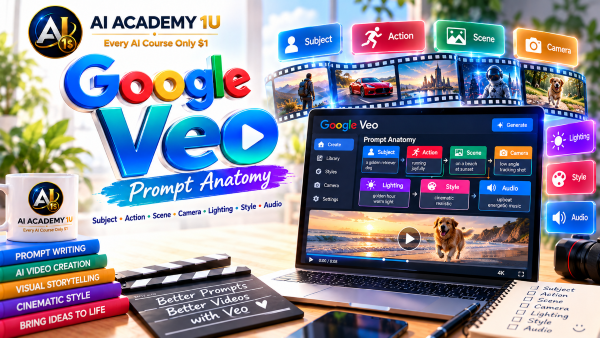
Understand the anatomy of a professional Veo prompt with AI Academy 1U. Learn how Subject, Action, Scene, Camera, Lighting, Style, and Audio work together to guide the model and improve control over the final generated video.
🔒
8. Describe Subjects Precisely ❌
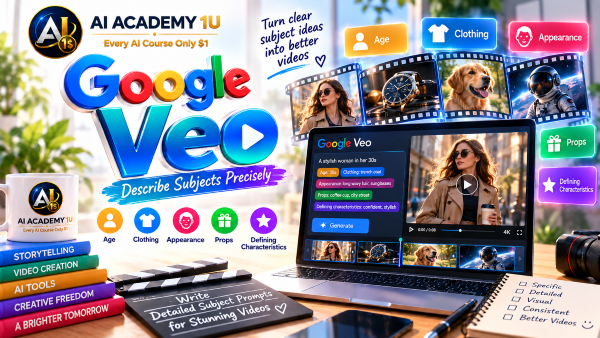
Describe subjects precisely in Google Veo prompts with AI Academy 1U by specifying age, clothing, appearance, props, and defining characteristics. Learn how to give enough visual detail without making the prompt unnecessarily long or difficult to control.
🔒
9. Describe Actions and Motion ❌
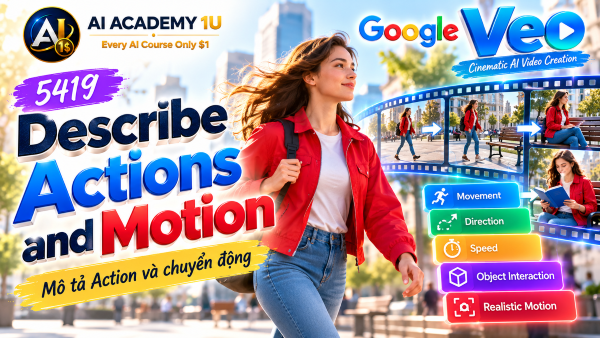
Describe actions and motion clearly for Google Veo with AI Academy 1U. Learn how precise movement instructions can reduce unnatural behavior, incorrect actions, and visual confusion while helping the model produce more believable motion.
🔒
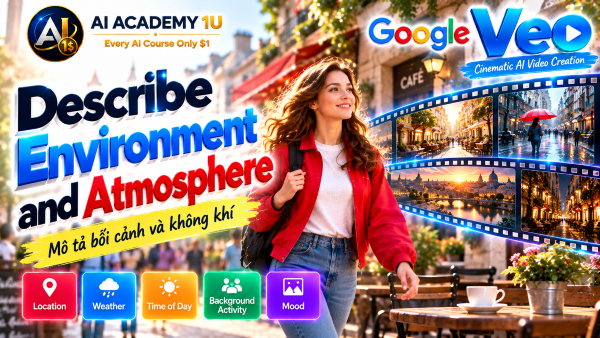
10. Describe Environment and Atmosphere ❌
Describe environments and atmosphere for Google Veo with AI Academy 1U by controlling location, weather, time of day, background activity, and mood. Learn how environmental detail can strongly influence the visual direction and emotional tone of a shot.
🔒
11. Describe Lighting and Cinematic Style ❌
Describe lighting and cinematic style in Google Veo with AI Academy 1U using professional visual language. Learn how lighting direction, contrast, color mood, and texture can shape the overall aesthetic and cinematic character of generated footage.
🔒
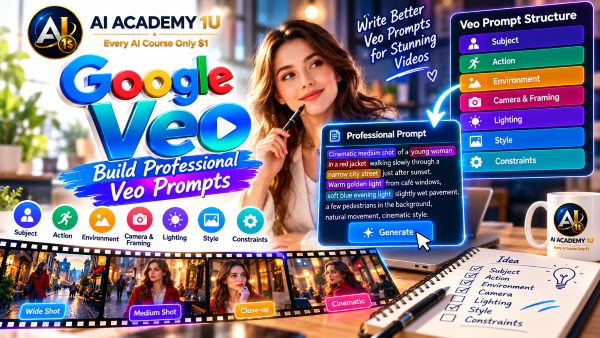
12. Build Professional Veo Prompts ❌
Build professional Google Veo prompts with AI Academy 1U by combining subject, action, scene, camera, lighting, style, and audio into one structured instruction. Learn how to balance detail and clarity for better control and stronger prompt adherence.
▶
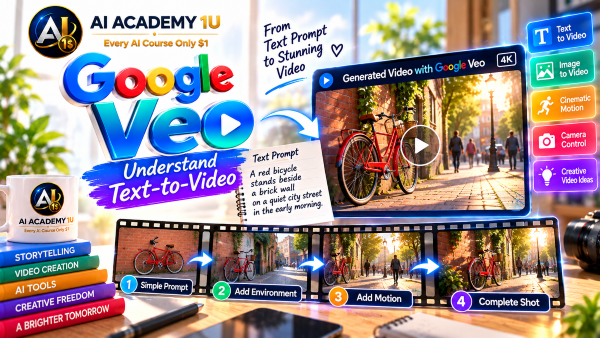
13. Understand Text-to-Video ❌
Understand text-to-video generation with Google Veo and AI Academy 1U. Learn how Veo interprets written descriptions and converts them into complete video shots containing subjects, movement, environment, lighting, camera behavior, and visual style.
▶
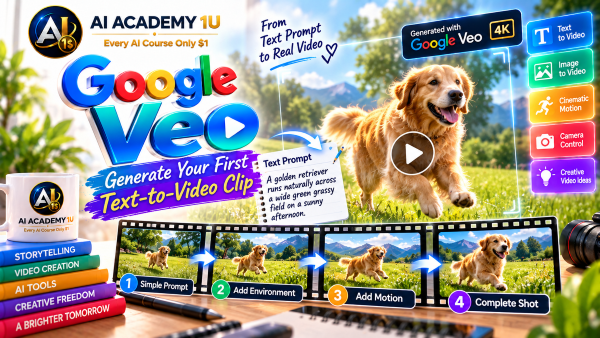
14. Generate Your First Text-to-Video Clip ❌
Generate your first text-to-video clip with Google Veo and AI Academy 1U by creating a complete short shot from a single prompt. Practice turning a visual idea into a structured description and evaluating the generated result.
🔒
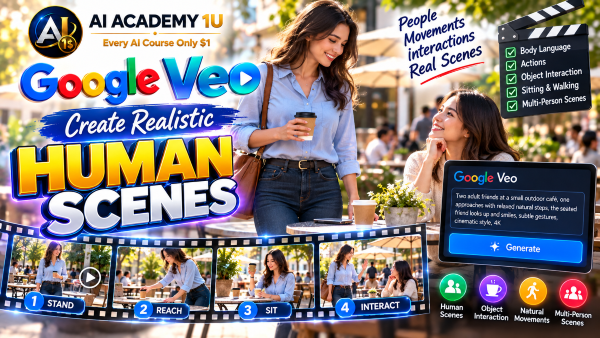
15. Create Realistic Human Scenes ❌
Create realistic human scenes with Google Veo and AI Academy 1U by controlling body language, actions, environment, and natural interaction. Learn how clear staging and movement instructions can help characters appear more believable and less artificial.
🔒
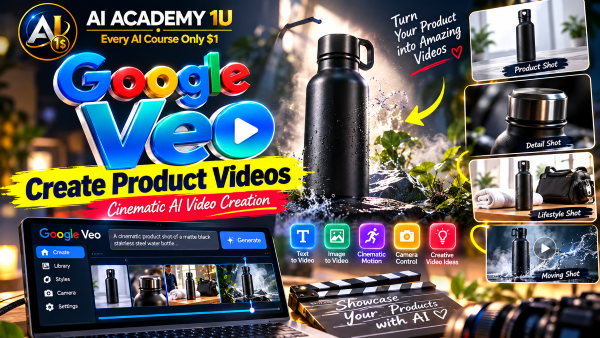
16. Create Product Videos ❌
Create product videos with Google Veo and AI Academy 1U using product shots, hero shots, lifestyle compositions, and commercial-style sequences. Learn how to present products clearly while maintaining professional lighting, framing, and visual emphasis.
🔒
17. Create Nature and Environment Scenes ❌
Create nature and environmental scenes with Google Veo and AI Academy 1U by generating landscapes, weather, water, smoke, and natural movement. Learn how to describe physical behavior and atmospheric detail for more convincing environmental video.
🔒
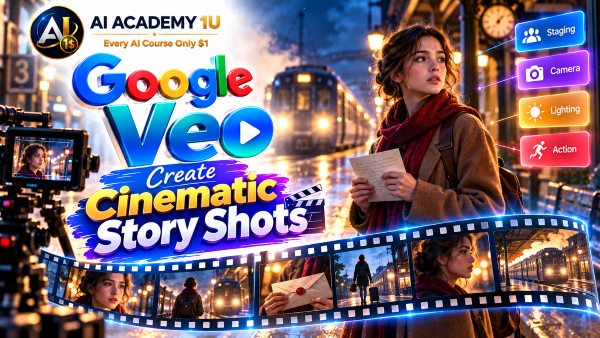
18. Create Cinematic Story Shots ❌
Create cinematic story shots with Google Veo and AI Academy 1U by combining staging, camera direction, lighting, action, and mood. Learn how a single shot can communicate narrative meaning rather than simply showing an attractive visual.
▶
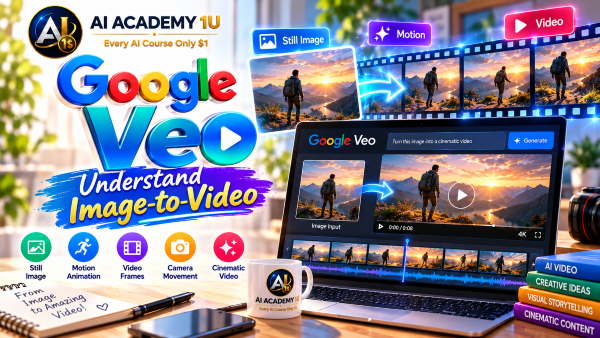
19. Understand Image-to-Video ❌
Understand image-to-video with Google Veo and AI Academy 1U by learning how a still image becomes the visual starting point for a generated clip. Explore which motion, environment, and action details Veo must infer during generation.
▶
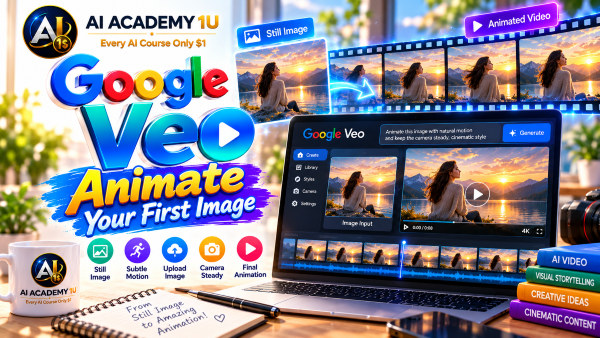
20. Animate Your First Image ❌
Animate your first image with Google Veo and AI Academy 1U by turning a character or scene into a moving video shot. Learn how simple motion instructions can bring a static image to life while preserving its overall direction.
🔒
21. Control Subject Motion from an Image ❌
Control subject motion from an image with Google Veo and AI Academy 1U by writing precise movement instructions. Learn how restrained and intentional motion can reduce deformation, unnatural movement, and excessive changes to the original subject.
🔒
22. Add Camera Motion to Still Images ❌
Add camera motion to still images with Google Veo and AI Academy 1U using pan, dolly, zoom, tracking, or other cinematic movement. Learn how camera behavior can transform a static composition into a dynamic video shot.
🔒
23. Preserve the Original Image Style ❌
Preserve the original image style during Veo image-to-video generation with AI Academy 1U. Learn how to reduce unwanted changes to faces, colors, wardrobe, and environments while maintaining the visual identity of the source image.
🔒
24. Create Image-to-Video Story Shots ❌
Create image-to-video story shots with Google Veo and AI Academy 1U by turning a key image into a usable cinematic or commercial sequence. Combine controlled motion, camera direction, and continuity into a polished project shot.
▶
25. Understand Ingredients to Video ❌
Understand Ingredients to Video in Google Veo with AI Academy 1U and learn how reference images can anchor important visual elements. Explore how references help guide character appearance, objects, scenes, and overall shot composition.
▶
26. Use Character Reference Images ❌
Use character reference images with Google Veo and AI Academy 1U to help preserve a person or character’s appearance across generated shots. Learn how visual references can reduce unwanted changes in facial features, hairstyle, and identity.
🔒
27. Use Object Reference Images ❌
Use object reference images with Google Veo and AI Academy 1U to preserve the visual identity of products, props, or other important objects. Learn how references support more consistent appearance across multiple generations and scenes.
🔒
28. Use Scene Reference Images ❌
Use scene reference images with Google Veo and AI Academy 1U to guide environment and location design. Learn how scene references can help maintain a specific visual direction, architecture, setting, or atmosphere across generated footage.
🔒
29. Combine Multiple Visual Ingredients ❌
Combine multiple visual ingredients in Google Veo with AI Academy 1U by using character, object, and environment references together. Learn how coordinated references can create a more unified and controlled video shot with consistent visual elements.
🔒
30. Build a Reference-Driven Commercial Shot ❌
Build a reference-driven commercial shot with Google Veo and AI Academy 1U using character, product, and scene references. Create a controlled advertising composition where key visual elements remain recognizable and aligned with a defined creative direction.
▶
31. Understand Character Consistency ❌
Understand character consistency in Google Veo with AI Academy 1U and learn why repeating the same text prompt may not be enough to preserve identity. Explore how references and stable visual descriptors improve continuity across scenes.
🔒
32. Maintain a Character Across Scenes ❌
Maintain a character across multiple Veo scenes with AI Academy 1U using reference images and descriptive anchors. Learn how to reduce changes in face, hair, clothing, and other identity features throughout a video sequence.
🔒
33. Maintain Wardrobe and Props ❌
Maintain wardrobe and props across Google Veo scenes with AI Academy 1U by planning visual continuity for clothing and important objects. Learn how consistent details help multiple shots feel like parts of the same story.
🔒
34. Use Style Reference Images ❌
Use style reference images with Google Veo and AI Academy 1U to maintain a consistent aesthetic across multiple shots. Control cinematic, illustration, painting, commercial, or other visual looks through reusable style direction.
🔒
35. Build a Multi-Shot Character Sequence ❌
Build a multi-shot character sequence with Google Veo and AI Academy 1U by creating different scenes while maintaining the same character and visual identity. Apply references, continuity planning, and controlled prompting in a complete project.
▶
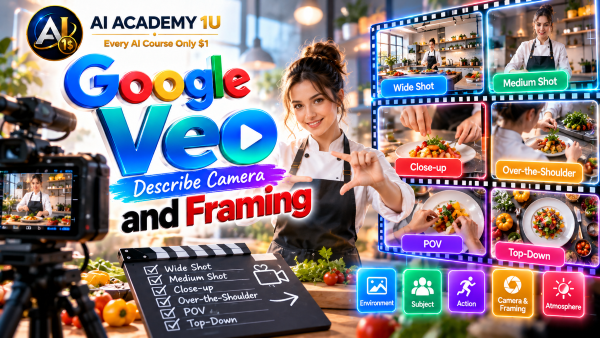
36. Understand Cinematic Shot Sizes ❌
Understand cinematic shot sizes with Google Veo and AI Academy 1U, including extreme wide, wide, medium, close-up, and extreme close-up. Learn how framing influences visual emphasis, emotional impact, and storytelling within generated video.
▶
37. Understand Camera Angles ❌
Understand common camera angles for Google Veo with AI Academy 1U, including eye-level, low angle, high angle, overhead, and other cinematic viewpoints. Learn how angle selection changes perspective, power, mood, and visual storytelling.
🔒
38. Control Camera Movement ❌
Control camera movement in Google Veo with AI Academy 1U using pan, tilt, dolly, tracking, crane, orbit, push-in, and pull-out instructions. Learn how intentional movement can improve cinematic quality and guide viewer attention.
🔒
39. Use Veo Camera Controls ❌
Use Veo camera controls with AI Academy 1U to manage framing and movement more precisely. Learn how creative controls can help reduce unpredictable camera behavior and produce shots that better match a planned visual composition.
🔒
40. Use Motion Controls for Objects ❌
Use motion controls for objects in Google Veo with AI Academy 1U by selecting an object and defining its movement direction or path. Learn how controlled motion can replace random behavior with more predictable action.
🔒
41. Combine Subject and Camera Motion ❌
Combine subject and camera motion in Google Veo with AI Academy 1U to create coordinated cinematic shots. Learn how balancing both movement types can produce a professional visual flow instead of chaotic or conflicting motion.
▶
42. Understand Native Audio in Veo ❌
Understand native audio in Google Veo with AI Academy 1U and learn how sound can be generated together with video instead of added separately afterward. Explore how dialogue, ambience, and sound effects become part of the generation process.
▶
43. Generate Ambient Sound ❌
Generate ambient sound with Google Veo and AI Academy 1U by describing city ambience, nature, room tone, crowds, or environmental audio. Learn how background sound can strengthen realism, location, and mood within a generated scene.
🔒
44. Generate Sound Effects ❌
Generate sound effects with Google Veo and AI Academy 1U for footsteps, doors, impacts, engines, and other actions. Learn how to describe sounds so they align more closely with visible movement and events in the scene.
🔒
45. Generate Spoken Dialogue ❌
Generate spoken dialogue with Google Veo and AI Academy 1U by specifying dialogue text, speaker, tone, and context. Learn how to integrate speech directly into a video shot as part of the original generation.
🔒
46. Improve Dialogue and Audio Synchronization ❌
Improve dialogue and audio synchronization in Google Veo with AI Academy 1U by refining prompts for speech timing, visible actions, and sound events. Learn how clearer instructions can improve alignment between audio and visual activity.
🔒
47. Design Complete Audio-Visual Prompts ❌
Design complete audio-visual prompts for Google Veo with AI Academy 1U by combining camera direction, dialogue, ambience, sound effects, and music direction. Build richer prompts that control both what viewers see and what they hear.
▶
48. Understand First and Last Frame ❌
Understand First and Last Frame generation in Google Veo with AI Academy 1U. Learn how to define starting and ending visual states so Veo can generate a transition that connects the two frames through controlled motion.
🔒
49. Create First-to-Last Frame Transitions ❌
Create first-to-last frame transitions with Google Veo and AI Academy 1U by moving from image A to image B through a clearly described motion path. Learn how controlled transition direction can improve visual continuity.
🔒
50. Understand Scene Extension ❌
Understand Scene Extension in Google Veo with AI Academy 1U and learn how an existing clip can be continued while maintaining visual and audio continuity. Explore how extension supports longer sequences without regenerating everything from the beginning.
🔒
51. Extend a Video Scene ❌
Extend an existing video scene with Google Veo and AI Academy 1U by generating a continuation from the previous clip. Learn how to maintain action, environment, and audio direction when creating additional footage.
🔒
52. Build a Longer Sequence from Short Clips ❌
Build a longer video sequence with Google Veo and AI Academy 1U by combining multiple scene extensions. Learn how continuity planning helps short clips connect into a more coherent and usable story sequence.
▶
53. Understand AI Video Editing with Veo ❌
Understand AI video editing with Google Veo and AI Academy 1U by comparing new clip generation with transformation of existing footage. Learn when editing an existing video is more efficient than creating a completely new generation.
🔒
54. Add Objects to a Video ❌
Add objects to an existing video with Google Veo and AI Academy 1U. Learn how inserted elements can be integrated into a scene while Veo handles scale, interaction, perspective, and shadows to create a believable result.
🔒
55. Remove Objects from a Video ❌
Remove unwanted objects from video with Google Veo and AI Academy 1U. Learn how AI can reconstruct the affected background and surrounding interactions so the removed element no longer appears in the edited scene.
🔒
56. Use Outpainting ❌
Use video outpainting with Google Veo and AI Academy 1U to extend a scene beyond its original frame. Learn how outpainting can adapt footage to new screen sizes, compositions, or aspect ratios while preserving visual continuity.
🔒
57. Understand Video-to-Video Editing ❌
Understand video-to-video editing with Google Flow and Veo through AI Academy 1U. Learn how existing footage can be visually transformed or refined using AI-driven instructions without rebuilding the entire scene from the beginning.
▶
58. Understand Google Flow ❌
Understand Google Flow with AI Academy 1U as a creative production environment that integrates Veo and other tools. Learn how Flow goes beyond a single prompt box by supporting assets, scenes, iteration, and complete filmmaking workflows.
▶
59. Organize a Video Project in Flow ❌
Organize a video project in Google Flow with AI Academy 1U by managing assets, scenes, and creative direction within one production workspace. Learn how structured organization improves consistency and makes multi-shot projects easier to manage.
🔒
60. Use Scenebuilder ❌
Use Scenebuilder in Google Flow with AI Academy 1U to organize and develop multiple shots into a connected story sequence. Learn how scene-level planning helps transform separate generated clips into a more coherent narrative.
🔒
61. Use Characters and Avatars in Flow ❌
Use characters and avatars in Google Flow with AI Academy 1U to manage recurring people across a creative project. Learn how dedicated character assets can improve continuity and simplify multi-scene production.
🔒
62. Iterate and Refine with Natural Language ❌
Iterate and refine video content in Google Flow with AI Academy 1U using natural-language instructions. Learn how to improve assets and scenes through multiple controlled revisions instead of repeatedly regenerating random alternatives.
🔒
63. Build a Complete Short Film in Flow ❌
Build a complete short film in Google Flow with AI Academy 1U by moving from idea and character design through scenes, Veo clips, audio, refinement, and final sequence assembly. Apply the complete production workflow in one project.
▶
64. Create Social Media Videos ❌
Create social media videos with Google Veo and AI Academy 1U by designing short clips with strong hooks, clear visual action, and formats suited to social platforms. Learn how to communicate quickly within limited viewing time.
🔒
65. Create Product Advertising Videos ❌
Create product advertising videos with Google Veo and AI Academy 1U by combining product references, hero shots, lifestyle scenes, and call-to-action visuals. Learn how to build structured commercial sequences around a specific product.
🔒
66. Create Storytelling and Brand Videos ❌
Create storytelling and brand videos with Google Veo and AI Academy 1U by combining character, mood, environment, and sequence design. Learn how visual storytelling can communicate a brand message across multiple coordinated shots.
🔒
67. Build a Complete AI Commercial ❌
Build a complete AI commercial with Google Veo and AI Academy 1U by creating a storyboard, generating multiple shots, maintaining consistent products and characters, adding audio, and assembling the final advertising sequence.
▶
68. Understand Veo for Developers ❌
Understand Google Veo for developers with AI Academy 1U by exploring Google AI Studio, Gemini API, and Vertex AI access. Learn how developers can integrate Veo video generation into applications, automation, and production systems.
🔒
69. Understand Veo 3.1 and Veo 3.1 Fast ❌
Understand the difference between Veo 3.1 and Veo 3.1 Fast with AI Academy 1U. Learn how quality, generation speed, and production workload requirements influence which model option is more appropriate for a developer workflow.
🔒
70. Generate Video Programmatically ❌
Generate video programmatically with Google Veo and AI Academy 1U by understanding the developer workflow from request submission to generation job and final result retrieval. Learn the structure of automated video generation processes.
🔒
71. Build Image-to-Video through Vertex AI ❌
Build image-to-video functionality through Vertex AI with Google Veo and AI Academy 1U. Learn how an application can submit an image input, request generation, and receive video output through a developer-oriented workflow.
🔒
72. Build an Automated Veo Video Pipeline ❌
Build an automated Veo video pipeline with AI Academy 1U by connecting application data, prompt generation, Veo generation, storage, and downstream publishing or editing. Create a practical production workflow that reduces manual processing.
▶
73. Identify Common AI Video Problems ❌
Identify common AI video problems in Google Veo with AI Academy 1U, including identity drift, motion errors, malformed objects, unwanted visual changes, and continuity issues. Learn what to look for before deciding whether to revise, regenerate, or edit a shot.
🔒
74. Improve Prompt Adherence ❌
Improve prompt adherence in Google Veo with AI Academy 1U by dividing complex requests into clear shots and removing conflicting instructions. Learn how simpler, more focused prompts can produce results that better match the intended creative direction.
🔒
75. Maintain Visual Continuity Across a Film ❌
Maintain visual continuity across a Veo film with AI Academy 1U by using reference images, shot planning, and consistent descriptive anchors. Learn how to preserve characters, products, locations, and style across a multi-scene production.
🔒
76. Understand Resolution and Professional Output ❌
Understand resolution and professional output in Google Veo with AI Academy 1U. Learn when higher-quality 1080p or 4K output is appropriate and how production requirements should determine the necessary level of visual quality.
🔒
77. Understand Responsible AI Video Creation ❌
Understand responsible AI video creation with Google Veo and AI Academy 1U by considering asset rights, representation, synthetic media, and risks involving real people. Learn why professional AI video production requires both creative and ethical judgment.
🔒
78. Final Project: Complete Google Veo AI Film ❌
Build a complete Google Veo AI film with AI Academy 1U by combining concept, script, shot list, prompting, reference images, character consistency, camera and motion, native audio, frame transitions, scene extension, editing, Flow Scenebuilder, and final export.
ChatGPT is an AI assistant for writing, learning, research, problem solving, and creative tasks. Learn practical skills with AI Academy and discover useful workflows in our AI Library.
EXPLORE AI LIBRARYCanva is a design platform for creating graphics, presentations, videos, and social media content. Learn practical design skills with AI Academy and explore creative workflows in our AI Library.
EXPLORE AI LIBRARYCapCut is a video editing platform for creating and enhancing videos with AI-powered tools, effects, captions, and templates. Learn practical skills with AI Academy and explore workflows in our AI Library.
EXPLORE AI LIBRARYGoogle Gemini is Google’s assistant for research, writing, reasoning, images, and productivity. Learn practical skills with AI Academy and discover useful workflows in our AI Library.
EXPLORE AI LIBRARYElevenLabs AI is a voice platform for text to speech, narration, and voice creation. Learn practical skills with AI Academy and discover useful workflows in our AI Library.
EXPLORE AI LIBRARYClaude AI is an assistant for writing, document analysis, reasoning, and coding. Learn practical skills with AI Academy and discover useful workflows in our AI Library.
EXPLORE AI LIBRARYVideoGen AI empowers creators to produce engaging videos faster with AI-powered tools. Learn practical workflows, creative techniques, and production strategies with AI Academy 1U to create professional video content efficiently.
EXPLORE AI LIBRARYHeyGen AI is an avatar video platform for presentations, narration, and multilingual communication. Learn practical skills with AI Academy and discover useful workflows in our AI Library.
EXPLORE AI LIBRARYMicrosoft Copilot is Microsoft’s assistant for productivity, writing, research, and workplace tasks. Learn practical skills with AI Academy and discover useful workflows in our AI Library.
EXPLORE AI LIBRARYGrok AI is an assistant for conversations, research, reasoning, and creative tasks. Learn practical skills with AI Academy and discover useful workflows in our AI Library.
EXPLORE AI LIBRARY